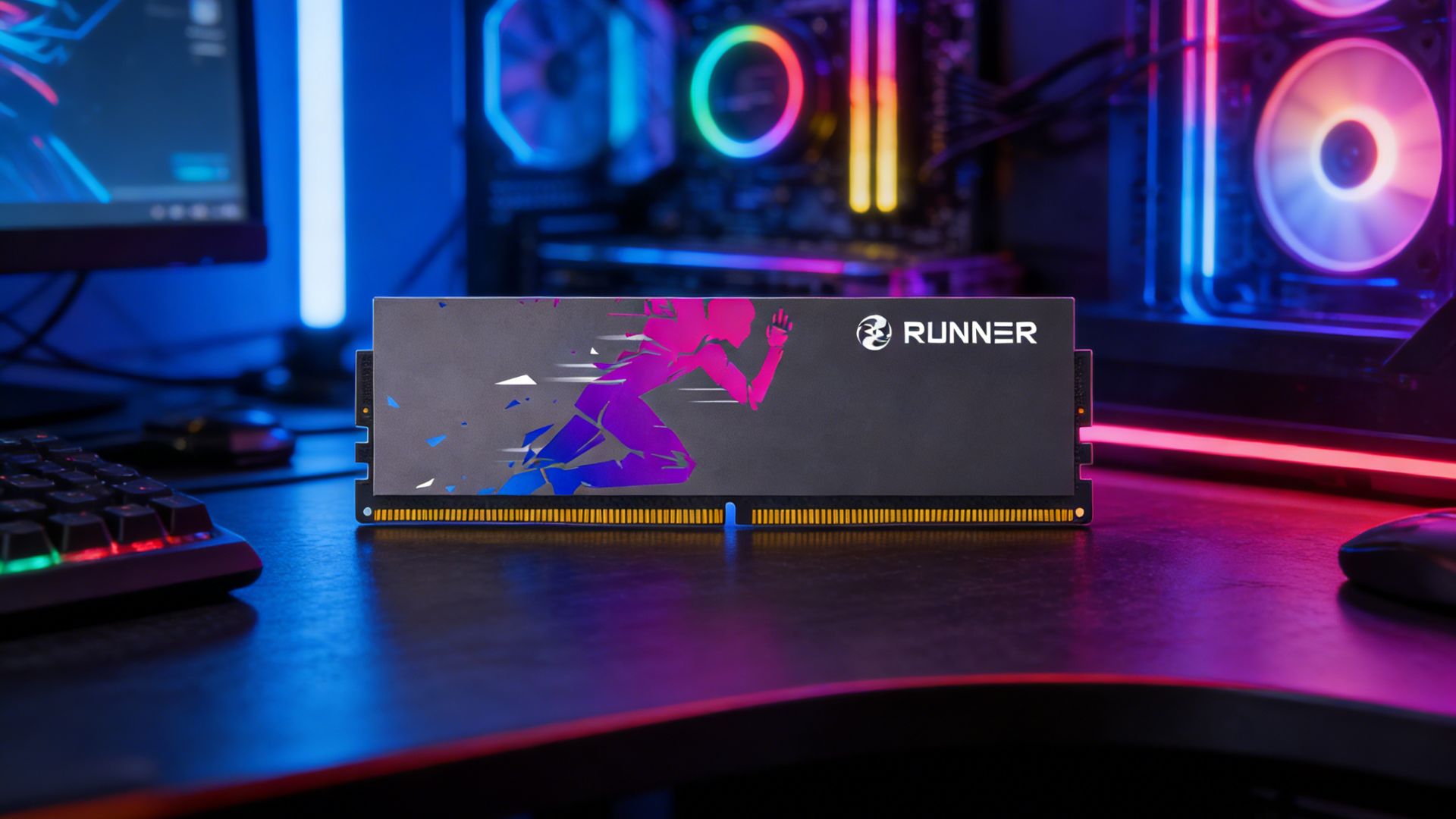
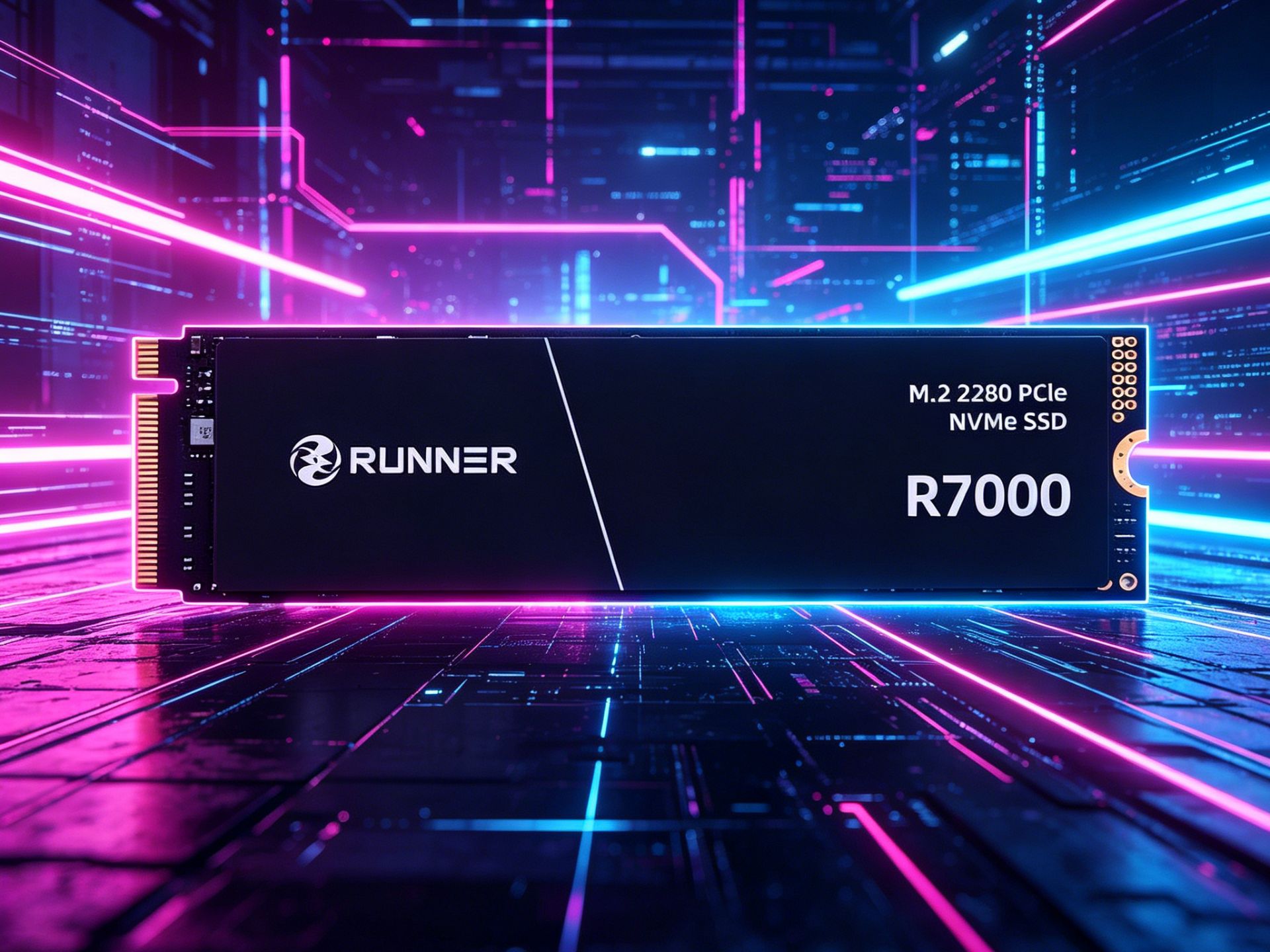
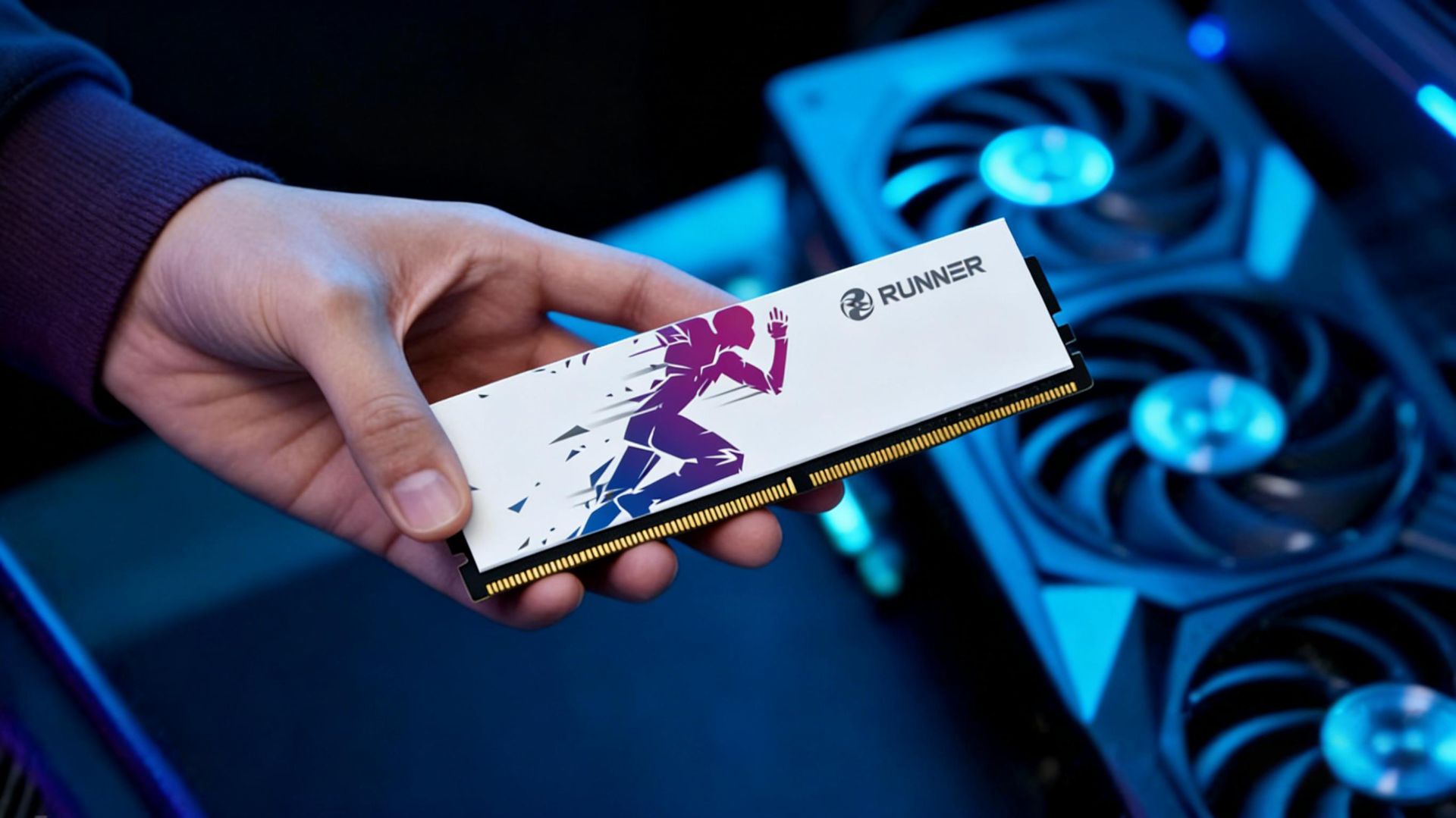
When shopping for RAM, many people get confused by strings like DDR5-6000 CL30-38-38-78 on product pages. Is higher frequency always better? What does CL mean? And why does 16GB of RAM range from ¥300 to ¥1000?
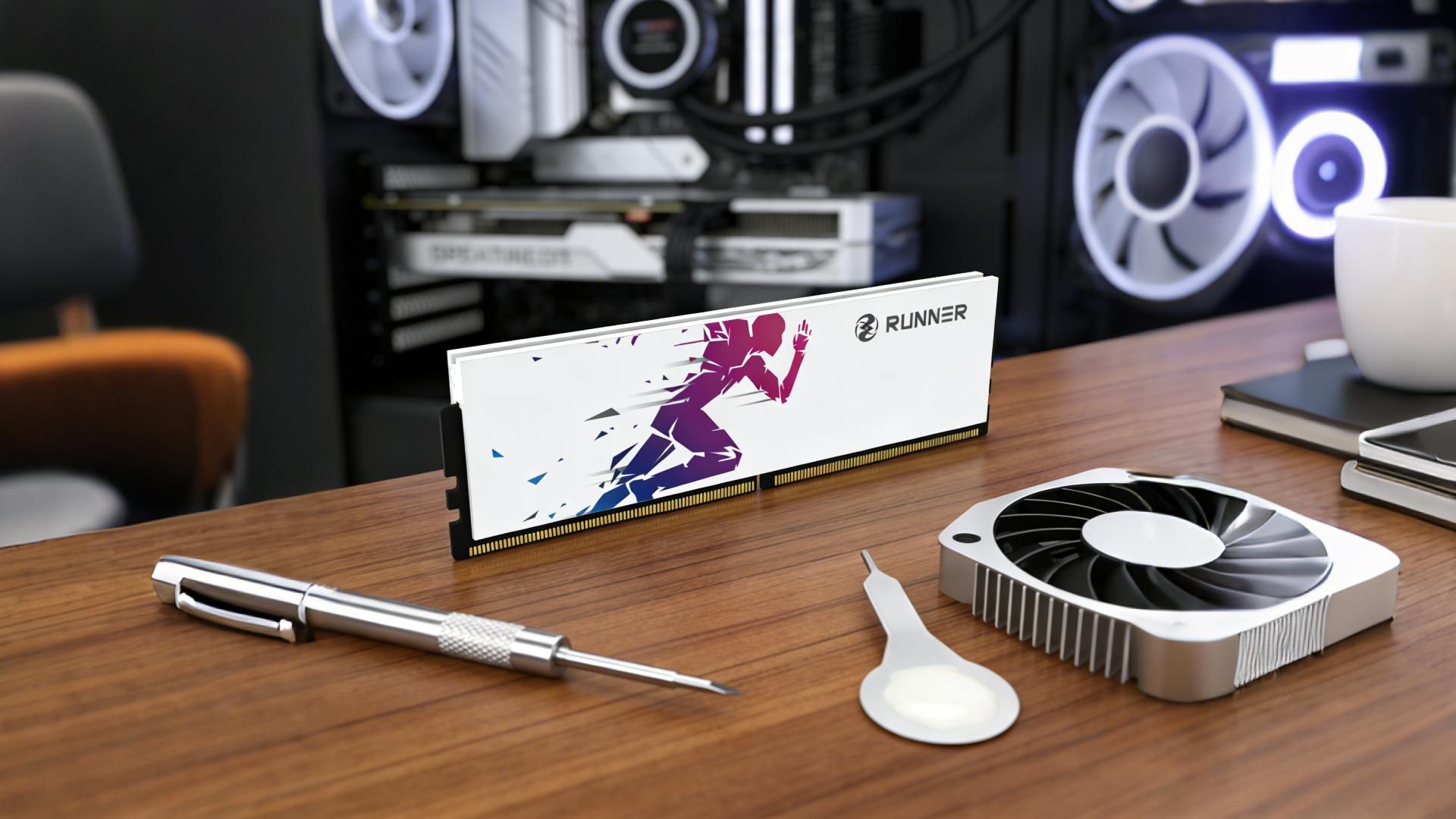
The secret to RAM performance lies in these core specs. Today, we’ll break them down in plain language, laying bare the truth about RAM.
01 Capacity: Your Digital “Worksurface”
Think of your PC as a workshop.
- Storage drive = warehouse (keeps all files long-term)
- RAM = worksurface (holds the documents, tools, and materials you’re actively using)
The bigger the surface, the more tasks you can run at once—no constant “put away A, take out B.”
Capacity Breakpoints:
- 16GB: The standard for mainstream users, enough for gaming + streaming + web browsing
- 32GB: Ideal for content creators, the baseline for 4K editing and 3D modeling
- 64GB+: Factory-level capacity for AI training and virtual machine clusters
When capacity is insufficient, the result isn’t just slowness—it’s lag. The system uses storage as “virtual memory,” dropping speed from high-speed rail to a slow local train.
02 Frequency & Bandwidth: The “Highway” of the Digital World
Frequency determines bandwidth—how much data can be transferred per second—not the speed of a single operation.
Highway Analogy:
- Frequency = vehicle speed
- Bus width = number of lanes
- Bandwidth = total traffic per unit of time
A single RAM stick has a fixed 64-bit bus. Higher frequency = higher bandwidth.
- DDR4‑3200: ~25.6 GB/s theoretical bandwidth
- DDR5‑6000: over 48 GB/s
03 Timing & Latency: What Actually Determines Speed
If frequency is vehicle speed, timings are the number of red lights.
A Common Trap:
Higher frequency shortens each clock cycle.
- DDR4‑3200 CL16: ~10 ns real latency
- DDR5‑6000 CL30: ~10 ns real latency
Quick Buying Guide:
- FPS esports (CS2, Valorant): Prioritize low latency
→ DDR4‑3600 CL14 or DDR5‑6000 CL30 - 3A games: Prioritize high frequency & bandwidth to feed the GPU
- Integrated graphics: Max out frequency—iGPU uses RAM as video memory
04 XMP / EXPO: The Forgotten “Performance Switch”
- JEDEC: The “safe mode” for 100% compatibility
DDR5 defaults to 4800/5600 MHz; DDR4 to 2133/2400 MHz - XMP (Intel) / EXPO (AMD): Pre-calibrated one-click overclocking profiles
You must enable them in BIOS to unlock the full performance you paid for.
It’s like owning a Porsche but only driving it in 3rd gear.
05 How to Choose RAM Quickly?
RAM performance is not “higher = better”—it’s about balance.
3-Step Buying Method:
- Check your platform limit
Review the motherboard QVL (Qualified Vendor List) to confirm stable frequencies for your CPU + motherboard. This avoids 90% of compatibility issues. Aim for the “sweet spot”
- DDR4: 3200 MHz (universally stable)
- DDR5: 6000–6400 MHz (best performance/price balance)
Don’t overspend on 8000 MHz if your CPU can only run 6400 MHz stably.
Look for official certifications
- AMD AM5: Look for AMD EXPO
- Intel 12th–14th Gen: Look for Intel XMP 3.0
These aren’t just logos—they mean deep platform optimization.
At RUNNER, our engineering team invests heavily in:
- Platform compatibility testing
- DRAM chip consistency screening
- Extreme stability validation
These efforts don’t appear in large print on the box.