After the wild price swings of 2025, the price gap between DDR5 and DDR4 has narrowed to just 20%–30%. For new PC builds, DDR5 is the smarter choice; for legacy platform upgrades, DDR4 still holds practical value.
Below we break down five typical user scenarios, from entry-level to enthusiast, with clear buying recommendations for each.
01 Light Office & Home Use
Typical setup: Intel i3/i5 or AMD Ryzen 3/5, no discrete GPU or entry-level graphics.
Mainly for online classes, video streaming, Office work, stock trading, and web browsing.
Capacity: 16GB is the sweet spot; 8GB feels cramped.
Modern operating systems and browsers consume far more RAM than three years ago. Windows 11 plus a dozen Chrome tabs easily uses 6–8GB. 8GB works but causes occasional lag; 16GB ensures smooth performance for the next 2–3 years.
Frequency & generation: Go straight for DDR5‑4800 or DDR5‑5600. No need for high frequencies.
Even baseline DDR5 is 50% faster than DDR4‑3200, with little daily difference. DDR4 is acceptable only if you reuse old modules on a tight budget; new DDR4 platforms are not recommended.
Recommended: Single 16GB DDR5‑4800, around ¥300–400.
Or two 8GB modules for dual-channel if your board has two slots. Single 16GB leaves room for future upgrades.
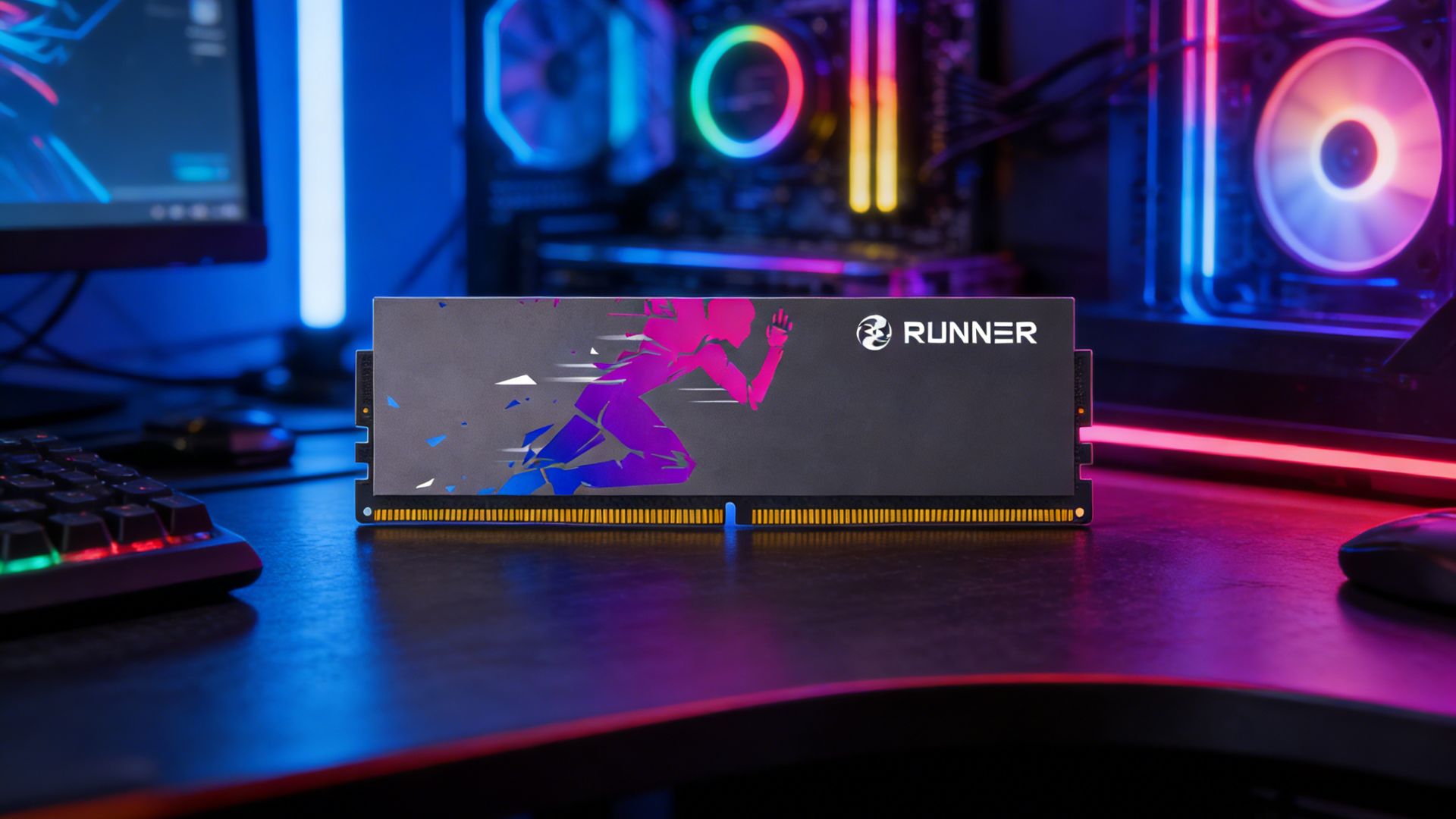
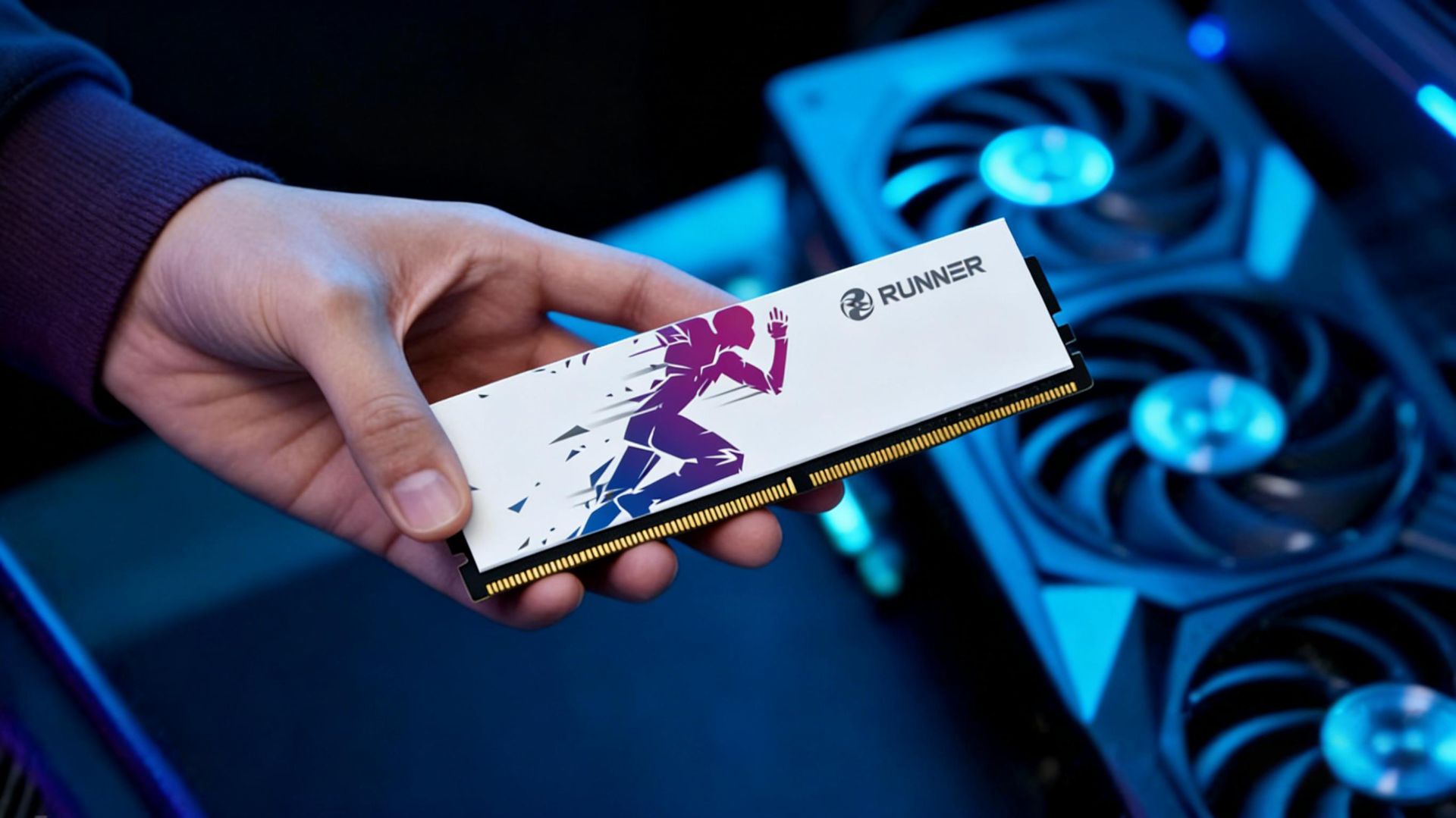
RUNNER match: LingYue entry-level DDR5‑5600 16GB single-channel, stable, non-RGB, ideal for office PCs.
02 Mainstream Gamers
Typical setup: Intel i5/i7 or AMD Ryzen 5/7, paired with RTX 4060/4070 or RX 7600/7700.
For AAA titles such as Cyberpunk 2077, Black Myth: Wukong, Call of Duty, and competitive games like CS2 and Valorant.
Capacity: 16GB minimum, 32GB recommended.
Most AAA games run smoothly on 16GB. But 32GB improves experience if you stream, run voice chat, browse while gaming, or play memory-heavy games like Cities: Skylines II and Microsoft Flight Simulator.
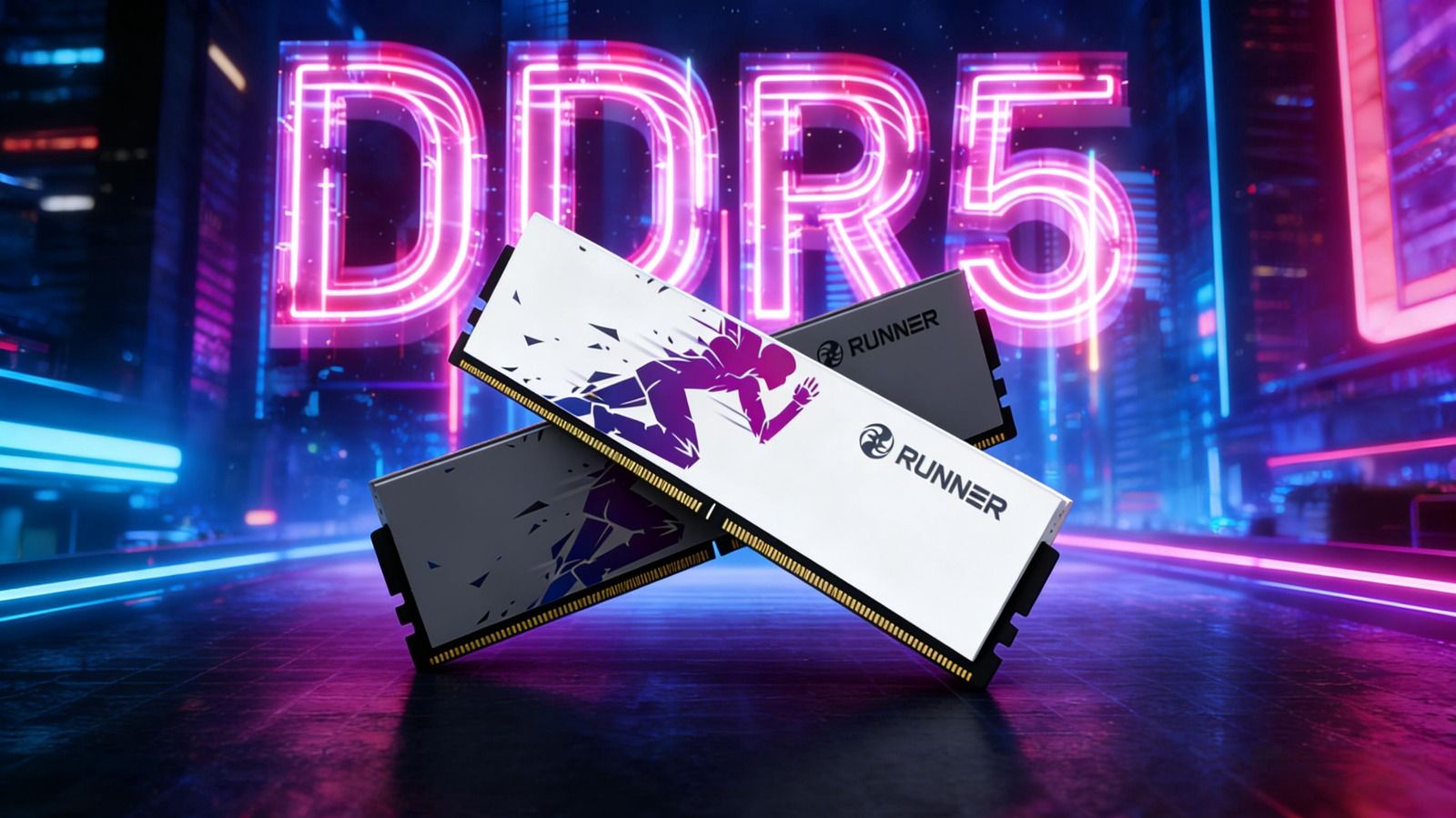
Frequency & generation: DDR5‑6000 CL30 is the widely recognized sweet spot.
It’s the optimal frequency for AMD Ryzen 7000/9000 (1:1 IF sync) and works great on Intel 6000–6400MHz. Going above 7200MHz brings little gain but demands high-end motherboard and CPU binning.
Recommended: Dual 16GB DDR5‑6000 CL30 kit for 32GB dual-channel.
On a budget, start with dual 8GB (16GB total) and upgrade later.
Must enable dual-channel: Can improve gaming performance by 20%–30%. Always install in slots A2/B2 (2nd and 4th).
RUNNER match: LingYue DDR5‑6000 CL30 series, using Hynix A-die or Samsung B-die, with heatsink design, supporting XMP 3.0 and EXPO for one-click overclocking.
03 Content Creators & Professional Users
Typical setup: Intel i7/i9 or AMD Ryzen 7/9, RTX 4070 Ti or higher.
For 4K video editing (Premiere, DaVinci Resolve), 3D modeling & rendering (Blender, C4D), large Photoshop files, and multi-track music production.
Capacity: 32GB minimum, 64GB standard, 128GB high-end.
Multi-track 4K editing, large 3D scenes, virtual machines, and local AI inference all consume massive RAM. 32GB is barely enough; 64GB ensures smooth workflow; 128GB suits professional studios.
Frequency & generation: DDR5‑5600 to 6400 works best.
Creation prioritizes capacity and stability over extreme frequency. Choose QVL-certified memory to avoid compatibility issues.
Recommended: Dual 32GB DDR5‑5600/6000 kit for 64GB dual-channel.
For higher budgets, fill four slots for 128GB (note: four DIMMs may cause frequency drops — check motherboard specs).
Extra tip: For long renders, choose heatsink-equipped memory for better thermal performance.
RUNNER match: LingYue high-capacity kits, using selected original ICs, stress-tested for long rendering stability.
04 Mini PCs & ITX Builds
Typical setup: Intel NUC, AMD DeskMini, custom small-form-factor ITX cases with tight space and limited cooling.
Usually uses SO‑DIMM (laptop-style) memory.
Capacity: 16GB or 32GB depending on usage.
Mini PCs are used for media, light office, soft routing, or NAS. 32GB for gaming ITX; 16GB enough for media use.
Frequency & generation: DDR4 or DDR5 based on motherboard.
Confirm SO‑DIMM compatibility — desktop DIMMs will not fit.
Recommended: Dual 8GB or dual 16GB SO‑DIMM kit.
Prefer low-voltage (1.1V), low-timing modules to reduce heat.
RUNNER match: RUNNER SO‑DIMM series.
05 Legacy Platform Upgrades
Typical setup: Intel 6th–11th Gen, AMD AM4 (Ryzen 1000–5000), currently using DDR4.
Aims to improve multitasking or gaming FPS.
Capacity: Upgrade from 8GB to 16GB for noticeable improvement.
16GB to 32GB only helps in heavy multitasking or professional apps.
Frequency & timings: DDR4‑3200 CL16–18 is the sweet spot.
Older platforms (e.g., Intel 6th–9th Gen max 2666) will automatically downclock. Buying 3200MHz keeps it reusable on future platforms.
Recommended: Dual 8GB or dual 16GB DDR4‑3200 kit.
Replace old RAM or mix cautiously (may downclock; same brand/spec preferred). DDR4 and DDR5 are physically incompatible.
Buying timing: DDR4 is being phased out. Prices stabilized but will rise long-term. Upgrade sooner rather than later.
RUNNER match: ShunYing DDR4‑3200 series, LanQing Intel-optimized DDR4‑3200 series, compatible with most Intel and AMD platforms.
Summary: One-Sentence Quick Buying Guide
- Light office: 16GB DDR5‑4800/5600, single or dual-channel
- Mainstream gaming: 32GB DDR5‑6000 CL30 dual-channel
- Professional creation: 64GB DDR5‑5600/6000 dual-channel
- Mini PC: SO‑DIMM, 16GB or 32GB
- Legacy upgrade: 16GB or 32GB DDR4‑3200
Dual-channel is essential. IC quality and compatibility determine long-term stability, while brand support defines user experience.
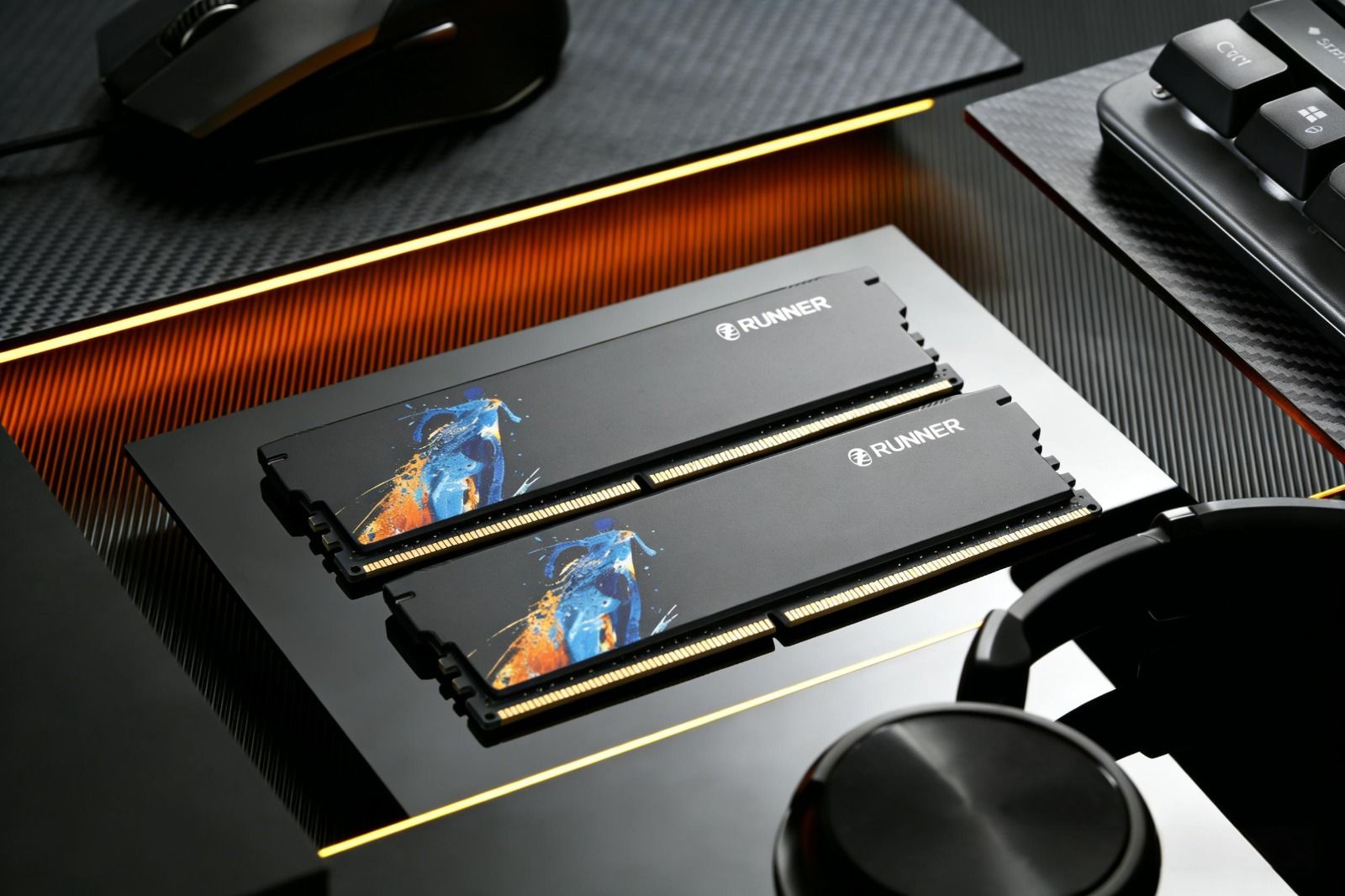
RUNNER offers tailored lines:
- LingYue DDR5: For modern high-performance platforms
- ShunYing DDR4: For value-focused users
- LanQing: Deeply optimized for Intel platforms
All use original Samsung, SK Hynix, or Micron ICs, rigorously lab-tested, with limited lifetime warranty.