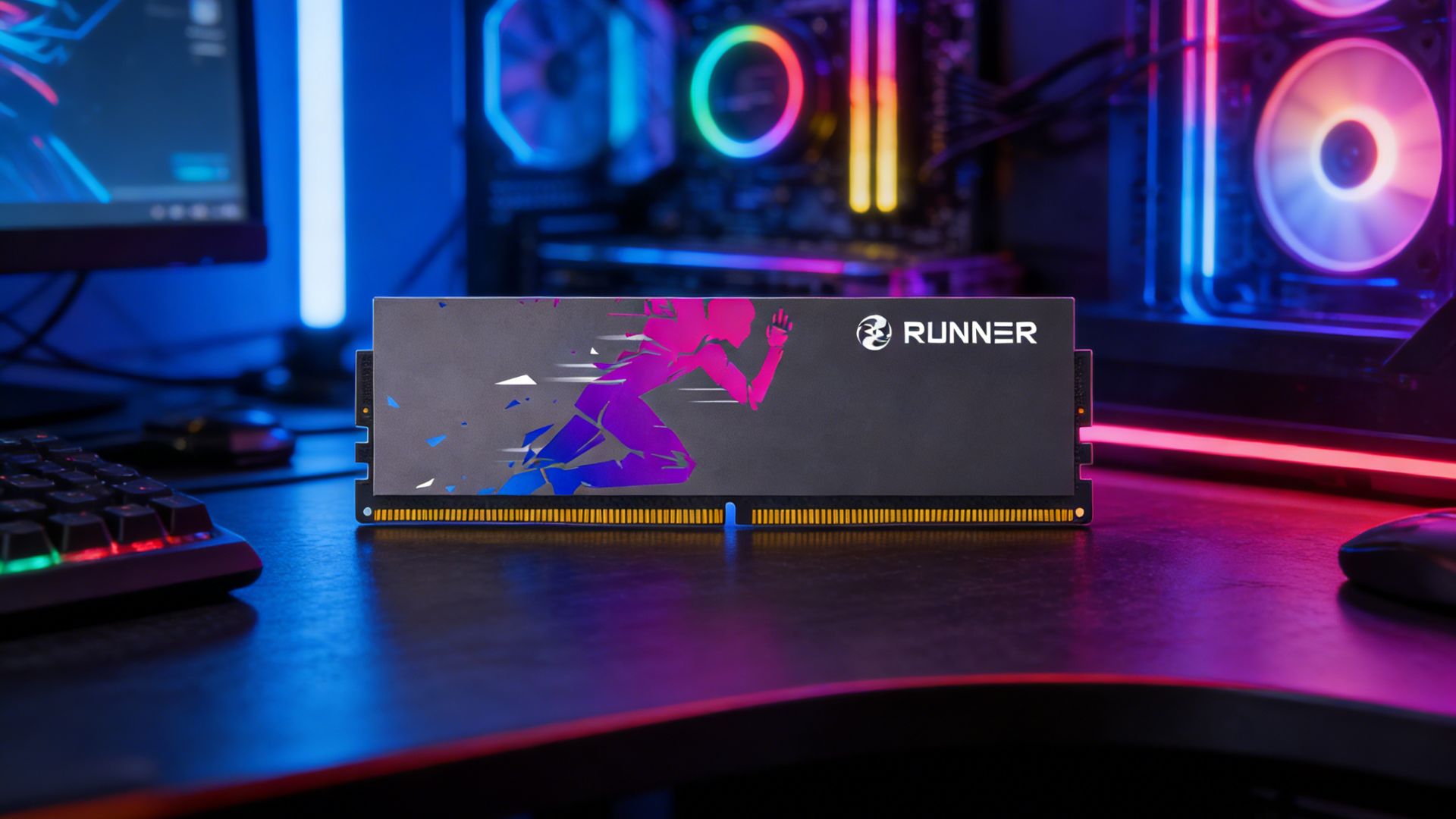
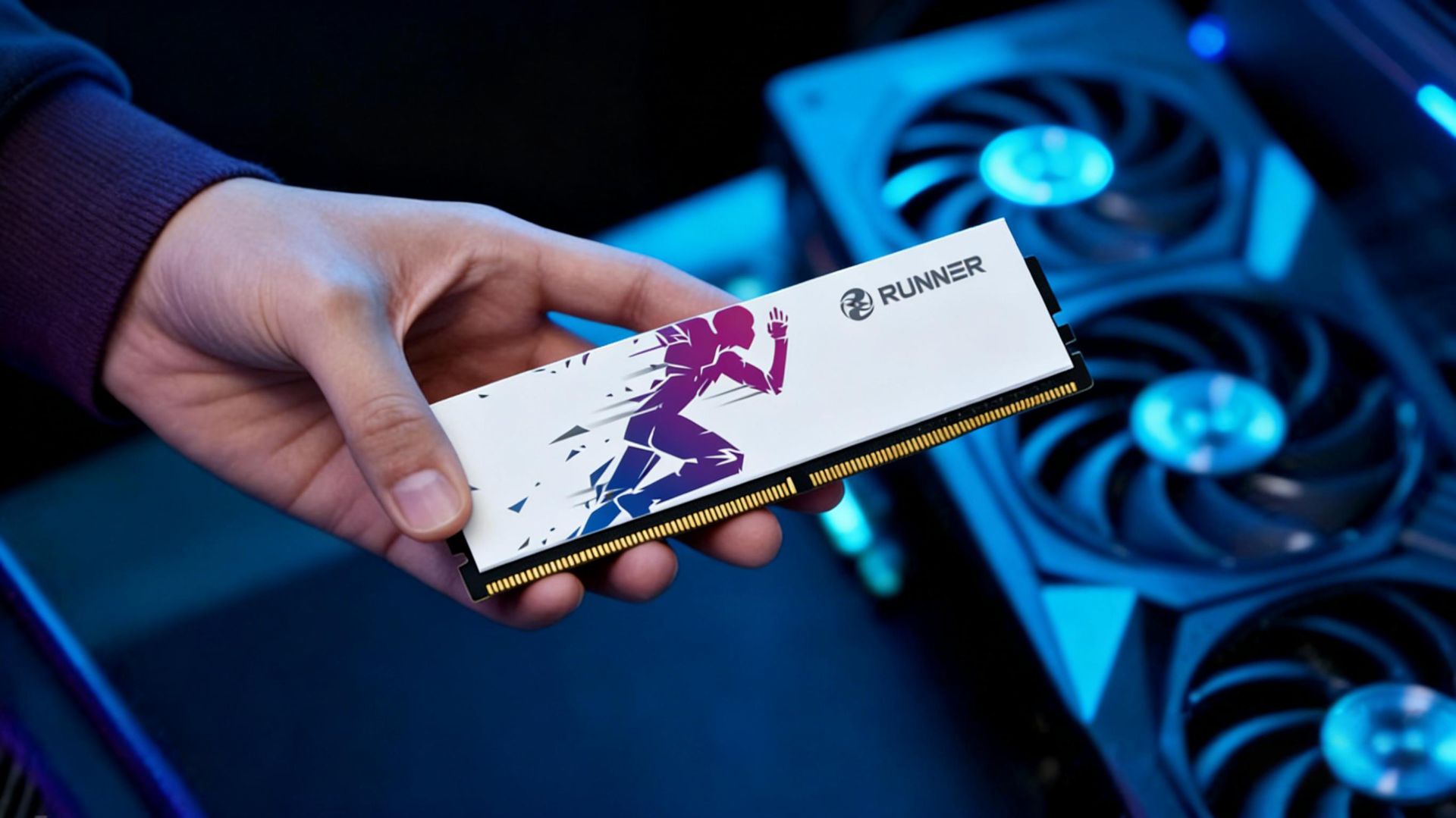
In the world of RAM, frequency and timings take all the spotlight, while voltage works quietly behind the scenes. Seldom noticed in daily use, it becomes critically important the moment issues arise.
What exactly do 1.2V, 1.35V, 1.5V stand for? Why do some modules require higher voltage? Is raising voltage an overclocking secret or hardware poison? Today, we break down RAM voltage in full.
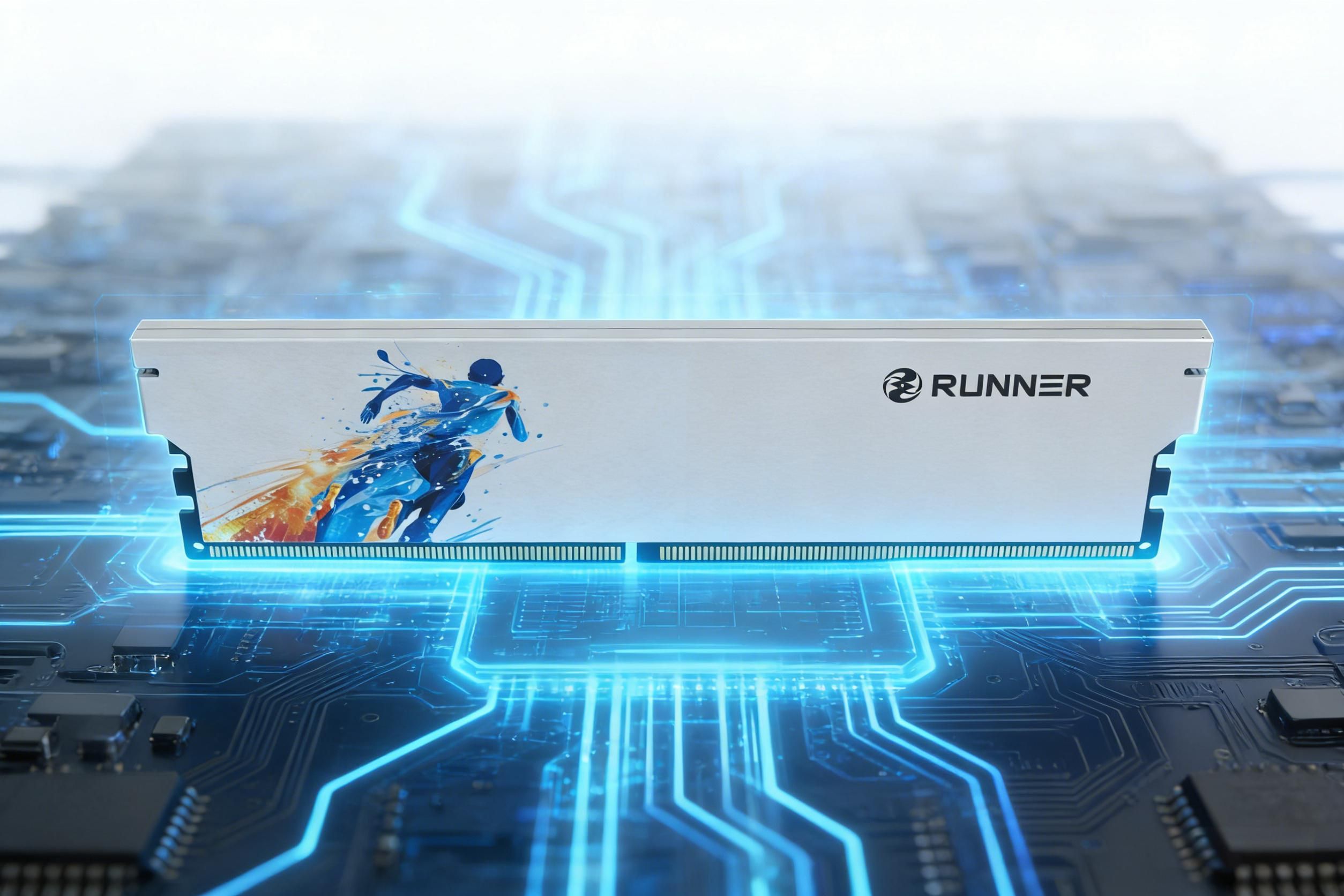
01 The Evolution of Voltage: Steady Reduction Across Generations
A clear trend defines RAM history: standard voltage drops with each generation.
- SDRAM: 3.3V
- DDR: 2.5V
- DDR2: 1.8V
- DDR3: 1.5V (low-voltage DDR3L: 1.35V)
- DDR4: 1.2V
- DDR5: 1.1V
Why Lower Voltage?
- Power efficiency: Power consumption scales with the square of voltage. Dropping from 1.5V to 1.2V cuts theoretical power use by ~36% — a real gain in electricity costs for data centers and battery life for laptops.
- Process advancement: Modern transistors operate reliably at lower voltages while maintaining stability.
Ironically, high-performance retail RAM often runs above JEDEC standards:
- DDR4-3200 (JEDEC 1.2V) commonly uses 1.35V
- DDR5-6000 (JEDEC 1.1V) typically runs 1.25V–1.35V
This raises a key question: Is higher voltage good or bad?
02 Voltage & Performance: Fuel for Frequency
Think of RAM as a car — voltage is the throttle.
Higher frequencies demand faster transistor switching, which needs stronger drive (voltage). Insufficient voltage causes errors, blue screens, and crashes.
Typical Voltage Requirements
DDR4-2133/2400: 1.2V (stock)
DDR4-3200/3600: ~1.35V
DDR4-4000+: 1.4V–1.5V
DDR5-4800/5600: 1.1V (stock)
DDR5-6000/6400: 1.25V–1.35V
DDR5-8000+: Overclockers may use 1.45V+
Rule of thumb: To run faster, supply enough voltage.
03 Voltage, Power & Heat: The Other Side of the Coin
Higher voltage boosts performance but also raises power draw and heat.
Power formula: P ∝ V² × f (power scales with voltage squared and frequency). A small voltage bump causes a sharp power increase:
- 1.2V → 1.35V (+12.5% voltage): ~+27% power
- 1.35V → 1.5V (+11% voltage): ~+23% power
All extra power turns to heat. RAM stability degrades sharply above 85°C; DDR5 may trigger thermal throttling or system instability. That’s why high-speed RAM needs heat spreaders — not for show, but for cooling.
04 电Safe Voltage Limits: Don’t Cross the Red Line
Voltage cannot be increased indefinitely. Each generation has a safe ceiling.
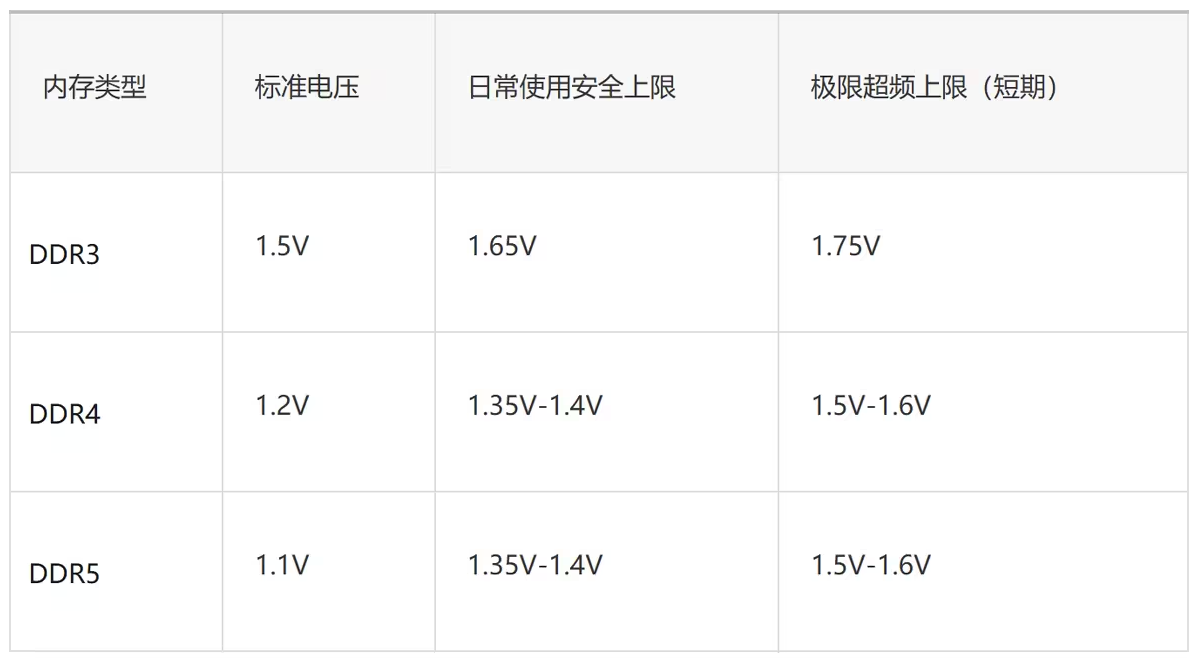
Risks of Over-Voltage
- Electromigration: High heat and current gradually displace metal atoms, causing open/short circuits — irreversible damage leading to permanent failure.
- IMC degradation: The Integrated Memory Controller (inside the CPU) is voltage-sensitive. Over-voltage can permanently weaken IMC capability. Reports note 13th Gen Intel Core chips can suffer IMC degradation with sustained SA voltage above 1.4V.
- Data corruption: Excess voltage introduces signal noise, causing transfer errors — visible as crashes or silent file corruption you may not notice.
05 Voltage & Compatibility: Risks of Mixed Sticks
Laptop users take note: DDR3L (1.35V) and standard DDR3 (1.5V) are generally incompatible.
While some platforms (e.g., Intel Haswell) allow mixing, most older or notebook systems enforce strict voltage rules.
Mixed-voltage issues:
- Failure to boot
- System instability
- Forced downclocking to the lowest common speed
Upgrade safely: Match the original voltage. Use CPU‑Z to check SPD voltage specs.
RUNNER’s Voltage Philosophy
At RUNNER, voltage is never an arbitrary number.
Every voltage setting undergoes rigorous stability validation. Our LingYue DDR5 series (1.25V–1.35V) and LanQing DDR4 series (1.2V stock) balance peak performance and manageable heat.
We strictly source Samsung, SK Hynix, and Micor original chips for consistent voltage tolerance. Every RUNNER module runs reliably at rated frequencies with XMP/EXPO — no extra tweaking needed.
In our view, the best voltage is one you never have to think about: plug in, enable XMP, and run stable — simply.