Choosing memory may seem complicated, but it all boils down to three simple questions:
What platform are you using? What capacity do you need? Are you willing to enable one-click overclocking?
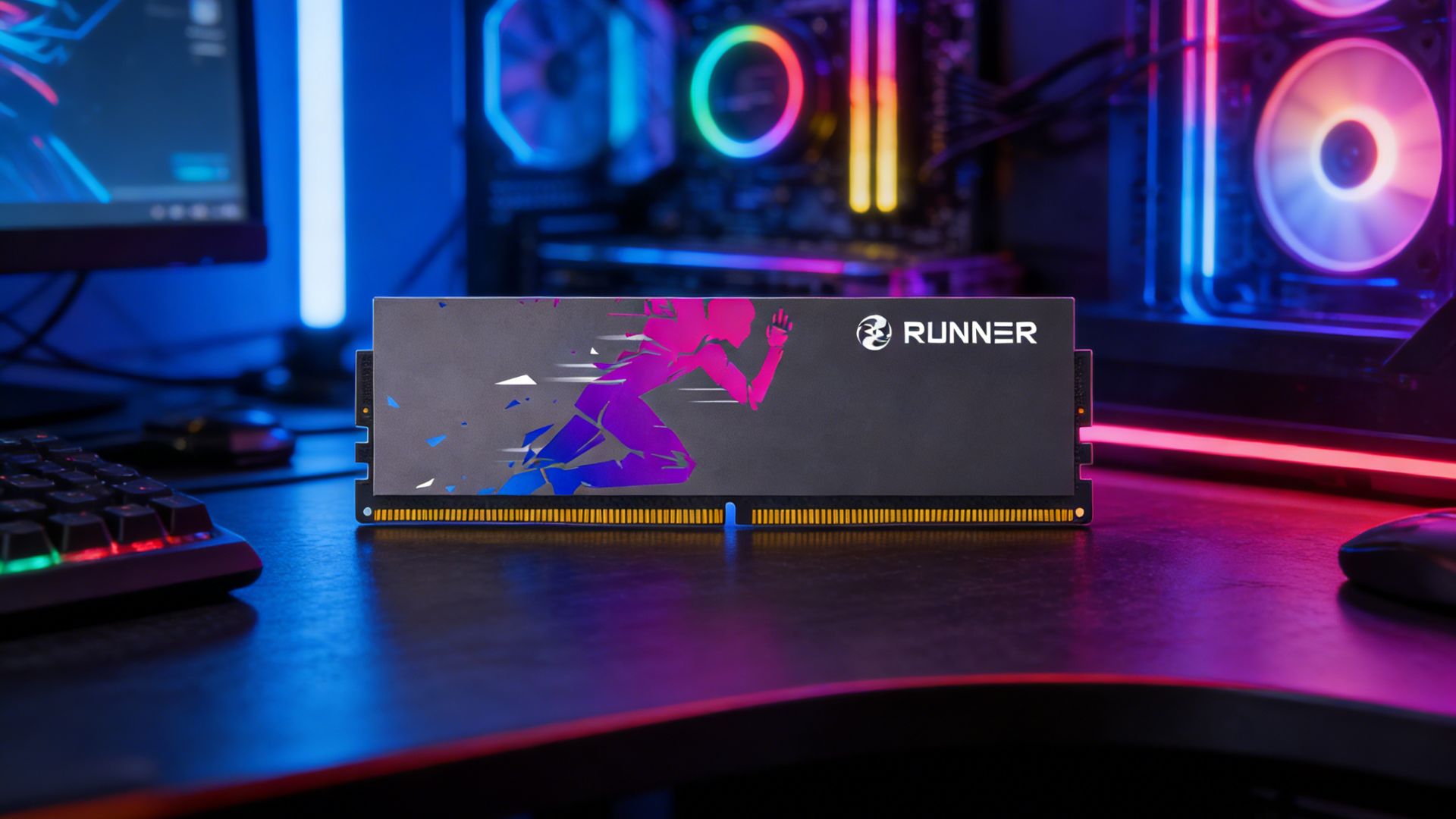
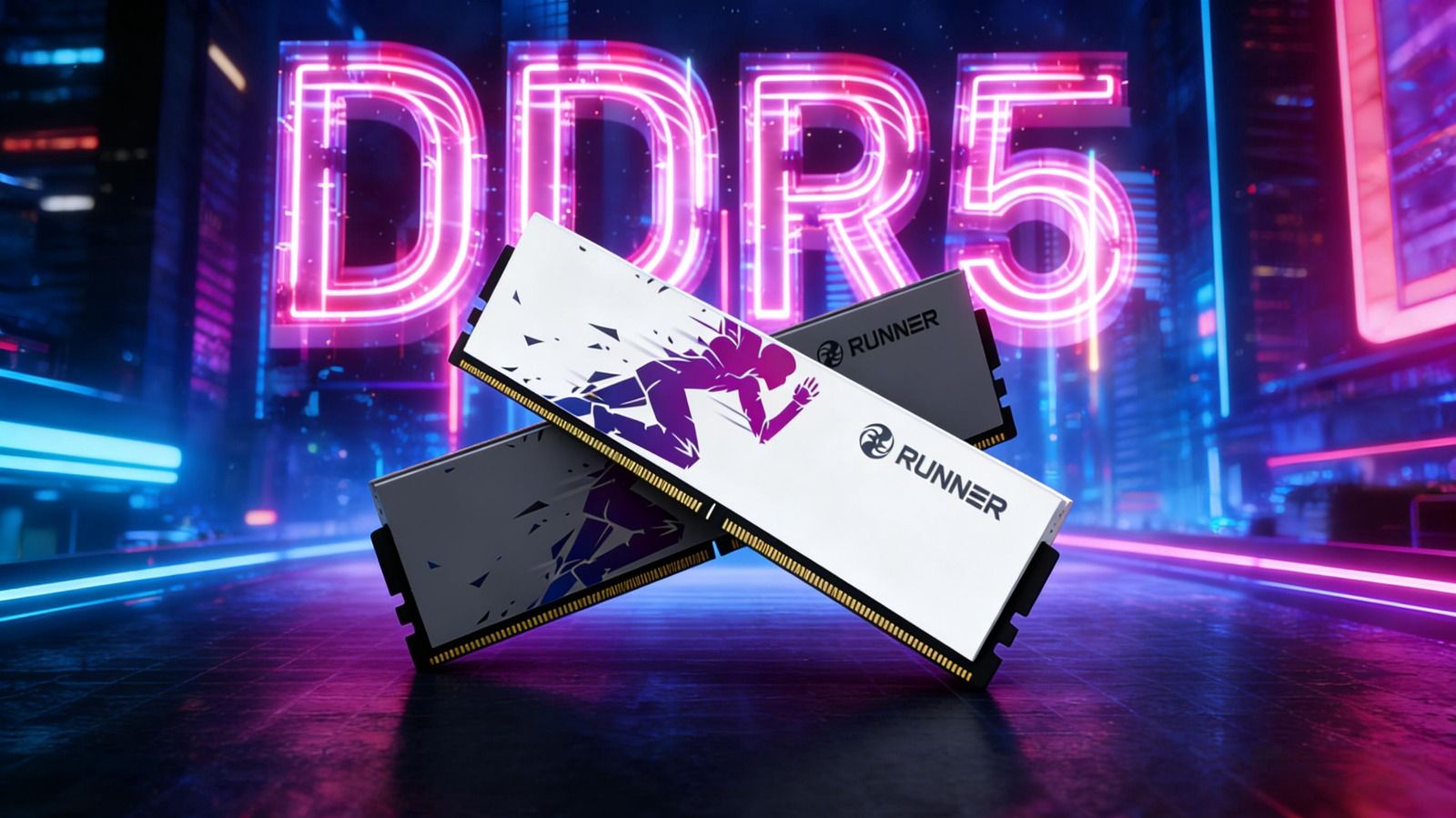
RUNNER now offers a complete memory product lineup — covering DDR5 and DDR4, heat-spreadered modules and standard sticks, as well as desktop and laptop versions, fully catering to diverse user needs. However, with so many options available, many users struggle to pick the right one.
In this guide, we break down every memory series from RUNNER in full detail. By the end, you’ll be able to make the perfect pick in just one minute, just like a seasoned PC builder.
01 Quick Overview of RUNNER Memory Series
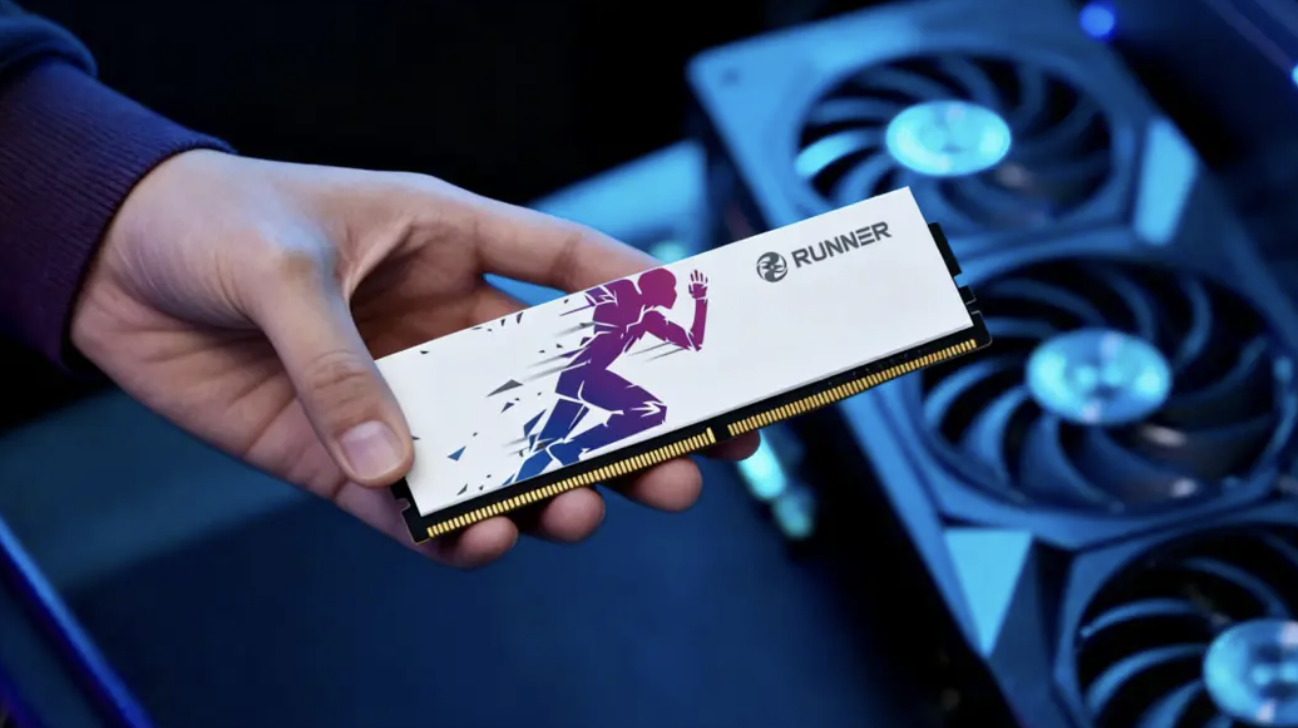
First, take a look at our product family overview to grasp the core positioning of each series:
Lingyue (DDR5 Heat-Spreadered Memory)
Available speeds: 4800MT/s, 5600MT/s, 6000MT/s
- 4800MT/s: Intel-only module
- 5600MT/s & 6000MT/s: Universal modules (compatible with Intel & AMD)
- 6000MT/s supports one-click overclocking (XMP/EXPO required);
4800MT/s & 5600MT/s do not support one-click overclocking.
Shunying (DDR4 Heat-Spreadered Memory)
- Fully universal, compatible with both Intel and AMD platforms
- Supports one-click overclocking via XMP (AMD requires motherboard and CPU support)
Lanqing (DDR4 Heat-Spreadered Memory)
- Intel-only modules
- Supports one-click overclocking via XMP
Desktop Standard DDR4 Memory
- Universal modules without heat spreaders
- No one-click overclocking; plug-and-play
Laptop DDR4 SO-DIMM Memory
- Universal modules for laptops and mini PCs
- No one-click overclocking; plug-and-play
02 What Are Intel-Only Modules? Can They Work on AMD?
Intel-only memory modules are specially optimized and validated by RUNNER for the memory controller characteristics of Intel platforms.
Technically, Intel and AMD memory controllers differ slightly in how they handle memory chips and timing parameters.
The SPD profiles of Intel-only sticks are fully configured to Intel specifications and exclusively validated on Intel motherboards. This ensures flawless compatibility on Intel systems — boot instantly and run stably at rated speeds.
Can Intel-only modules work on AMD platforms?
Answer: Possibly, but not officially guaranteed.
They may function normally on some AMD motherboards, yet issues such as boot failure, forced downclocking, or manual parameter tuning may occur. Since they are not validated for AMD, official compatibility is not promised.
If you use an AMD platform, stick with universal modules such as Shunying, Desktop Standard, or Laptop memory. RUNNER Lingyue 5600/6000 are also universal and fully AMD-compatible.
For Intel users, both Intel-only and universal modules work perfectly; Intel-only models like Lanqing and Lingyue 4800 often deliver better cost performance.
03 One-Click Overclocking vs. Default JEDEC Speed
A common misconception: many users assume a 3200MHz memory runs at 3200MHz right after installation. In reality, memory reaches its rated speed in two ways:
JEDEC Default Speed
Conservative industry-standard speeds guaranteed to boot on all platforms.
Common DDR4 defaults: 2133, 2400, 2666MHz
Common DDR5 defaults: 4800, 5600MT/s
XMP/EXPO One-Click Overclocking
Optimized profiles preloaded into the memory SPD chip. Simply enable the profile in BIOS, and the memory runs at its higher rated performance speed.
DDR4 and DDR5 adopt different one-click overclocking standards, explained separately below:
DDR5 One-Click Overclocking: XMP 3.0 & EXPO
Intel and AMD use independent one-click overclocking standards for DDR5:
- Intel: XMP 3.0
- AMD: EXPO
DDR5 modules supporting overclocking (Lingyue 6000) have both XMP 3.0 and EXPO profiles preloaded in the SPD.
Intel motherboards use XMP; AMD motherboards use EXPO (some BIOS label it uniformly as XMP while invoking EXPO parameters). Only after enabling the profile will the memory run at 6000MT/s.
Non-overclockable DDR5 modules (Lingyue 4800/5600) have no XMP/EXPO profiles. They run directly at JEDEC speeds out of the box with no setup required.
DDR4 One-Click Overclocking: Only XMP (AMD Compatibility Varies)
DDR4 has no EXPO standard. All overclockable DDR4 memory relies on Intel-defined XMP technology.
Intel Platform
- B-series & Z-series motherboards support XMP
- Entry-level H-series motherboards lock XMP and run only default JEDEC speeds
AMD Platform
Motherboard vendors rebrand XMP under different names:
ASUS: DOCP | MSI: A-XMP | Gigabyte/ASRock: XMP
All perform the same function: reading SPD profiles for one-click speed and timing configuration.
AMD DDR4 Motherboard Compatibility:
- AM5 (Ryzen 7000/8000/9000): Uses DDR5 with native EXPO; no compatibility concerns.
- Mainstream AM4 (X570/B550/A520): Almost all support XMP/DOCP/A-XMP; works perfectly with universal sticks like Shunying.
- Early AM4 (B350/A320/X370): XMP support is inconsistent; some lack the option or suffer instability after enabling. Manual tuning or standard memory is recommended.
- Brand Office Desktops: BIOS often locks overclocking functions; XMP cannot be enabled. Standard plug-and-play memory is the better choice.
The safest approach: confirm motherboard XMP compatibility with the manufacturer before purchase.
Overclockable RUNNER DDR4 modules (Shunying, Lanqing) require enabling XMP (or AMD’s equivalent) in BIOS to jump from default 2133/2400MHz up to rated 3200MHz.
Non-overclockable DDR4 modules (Standard Desktop, Laptop) have no XMP profiles and run at JEDEC speeds immediately upon installation.
04 3-Step Selection Guide: Match by Usage Scenario
Now that you understand the basics, here are direct recommendations for different users:
Scenario 1: New DDR5 Build, Pursue High Performance
Recommended: Lingyue DDR5-6000 (Universal, XMP/EXPO Supported)
Capacity: 16GB×2 or 32GB×2
Remember to enable XMP on Intel or EXPO on AMD; otherwise, it may run only at 4800MT/s.
Fully compatible with Intel and AMD.
Scenario 2: New DDR5 Build, No BIOS Tweaking Wanted
Recommended: Lingyue DDR5-5600 (Universal, Plug-and-Play)
Runs at 5600MT/s straight out of the box with no setup.
More than enough for most gaming and content creation tasks.
Compatible with both Intel and AMD.
Scenario 3: Intel DDR4 Build, Prioritize Value & Stability
Recommended: Lanqing DDR4-3200 (Intel-Only, XMP Supported)
Deeply tuned for Intel platforms with excellent compatibility.
XMP must be enabled in BIOS to reach 3200MHz.
Ideal for users chasing maximum cost performance and stability.
Scenario 4: AMD or General DDR4 Usage
Recommended: Shunying DDR4-3200 (Universal, XMP Supported)
Works on Intel and AMD (AMD requires motherboard one-click overclock support).
One-click overclock activation required.
Balanced performance at mainstream mainstream frequency.
Scenario 5: Old Desktop Upgrade / Office Use / Budget-Focused
Recommended: Desktop Standard DDR4-2666
Plug-and-play with no XMP needed.
No heat spreader, budget-friendly pricing.
Perfect for users not pursuing high frequencies.
Scenario 6: Laptop / Mini PC Upgrade
Recommended: Laptop DDR4 SO-DIMM
Confirm whether your laptop supports DDR4 or DDR5 (most older models use DDR4).
Match or upgrade your existing memory frequency; the module will auto-downclock if needed.
Standard stick design, fully plug-and-play.
05 Final Summary: Simple Decision Logic
Step 1: Choose Memory Generation
- New platform → DDR5
- Old upgrade or tight budget → DDR4
Step 2: Decide Whether to Enable One-Click Overclocking (XMP/EXPO)
- Will tweak BIOS → Pick overclockable models (Lingyue 6000 / Shunying / Lanqing)
- No BIOS setup → Pick plug-and-play models (Lingyue 4800/5600 / Standard Desktop / Laptop)
Step 3: Choose Intel-Only or Universal by CPU Platform
- Intel: Intel-only (Lanqing, Lingyue 4800) or Universal both work
- AMD: Only choose Universal modules (Shunying, Lingyue 5600/6000, Standard Desktop, Laptop)
For AMD DDR4 users, confirm your motherboard has XMP/DOCP/A-XMP options before buying overclockable memory.
That’s the complete RUNNER memory buying guide.
All RUNNER memory sticks use genuine Samsung, SK Hynix, or Micron chips, undergo rigorous testing, and come with limited lifetime warranty. Whichever series you choose, quality is fully guaranteed.
Still unsure which to pick? Leave your motherboard and CPU model in the comments, and we’ll help you find the perfect match.