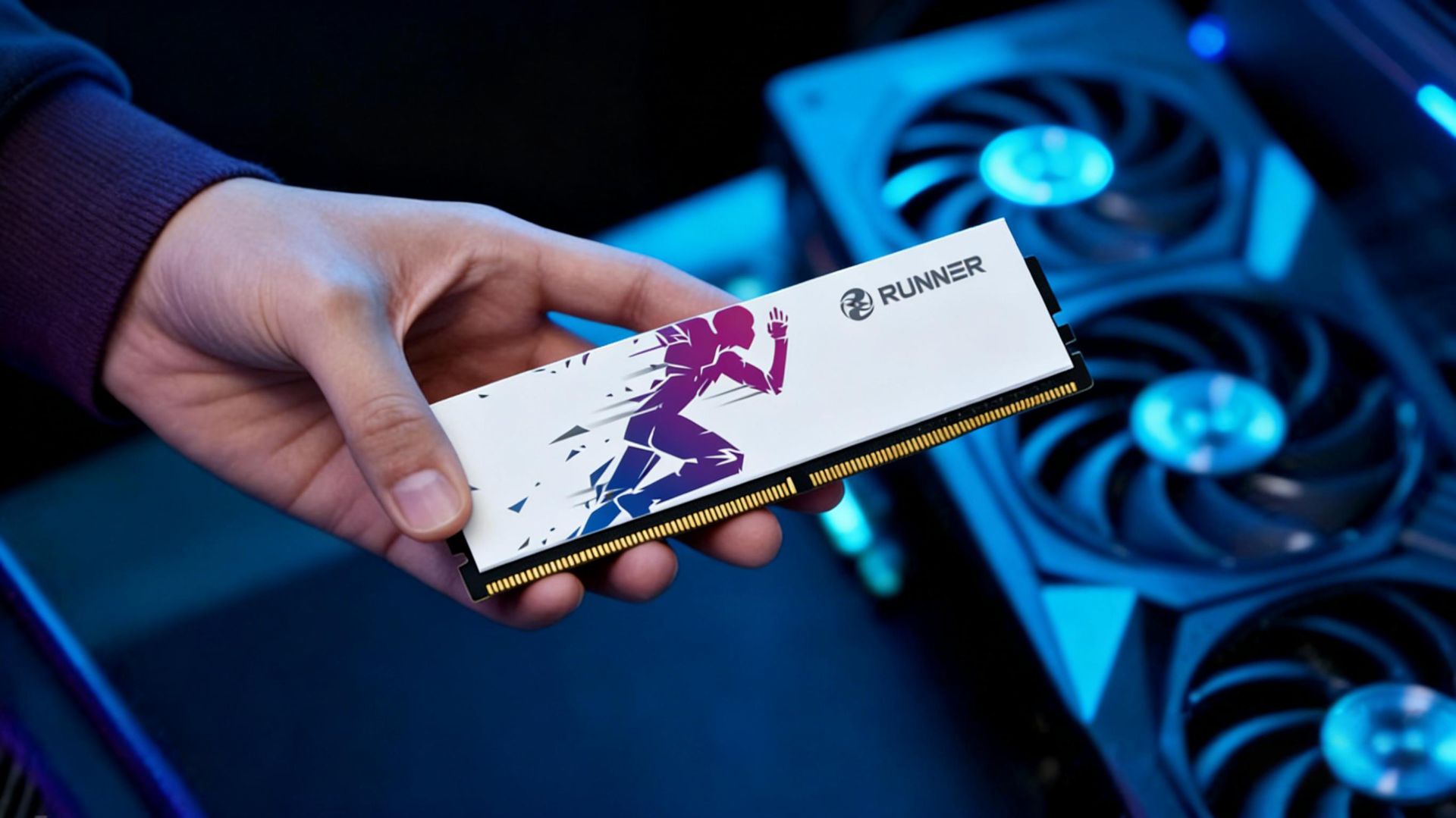
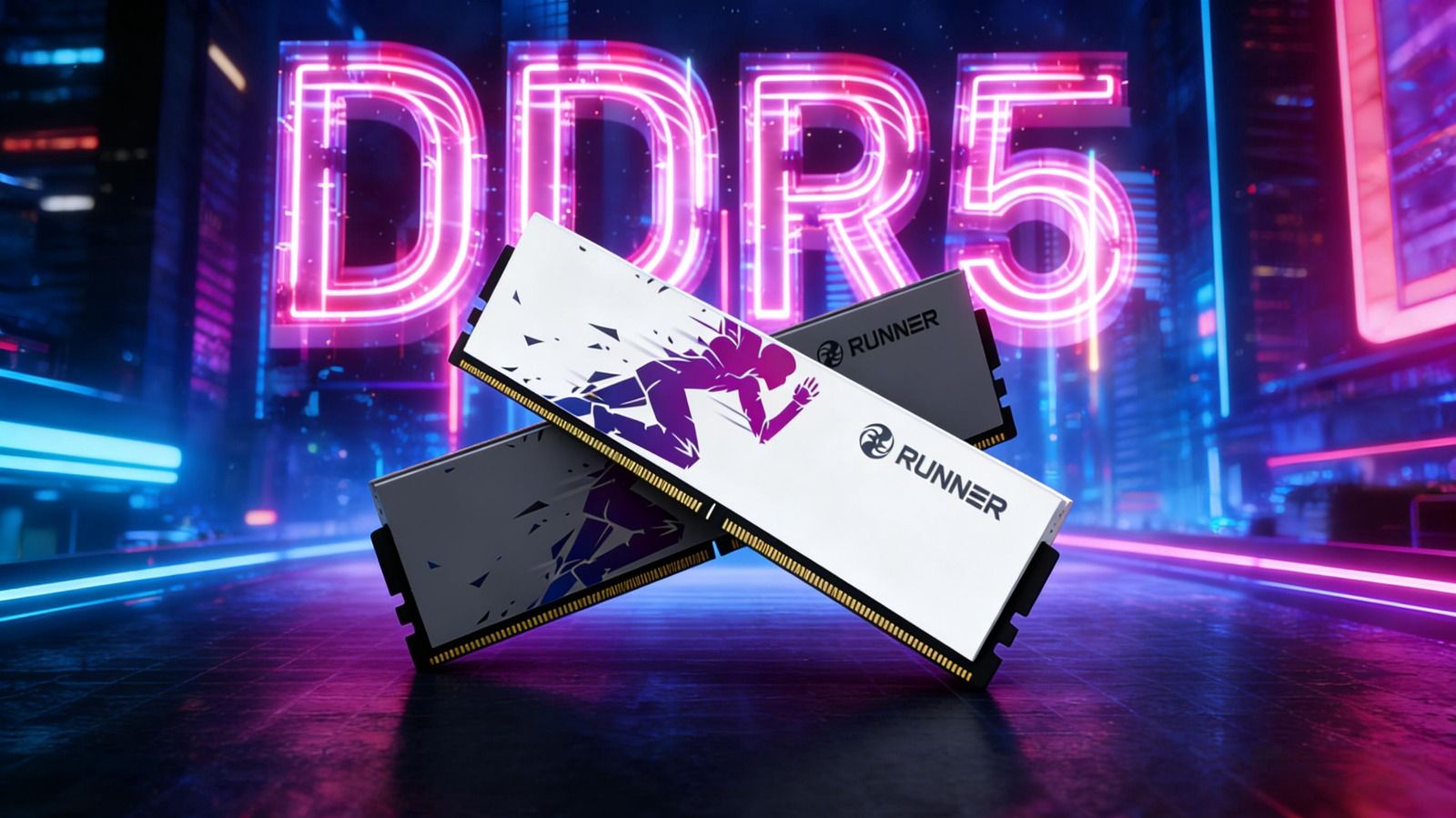
RUNNER Lingyue is a heat-spreadered memory lineup designed for DDR5 platforms, available in three speeds: 4800 MT/s, 5600 MT/s and 6000 MT/s. While they only differ numerically at first glance, there are notable distinctions in compatibility (Intel-exclusive or universal), one-click overclocking support (XMP/EXPO), timings, voltage and even color options.
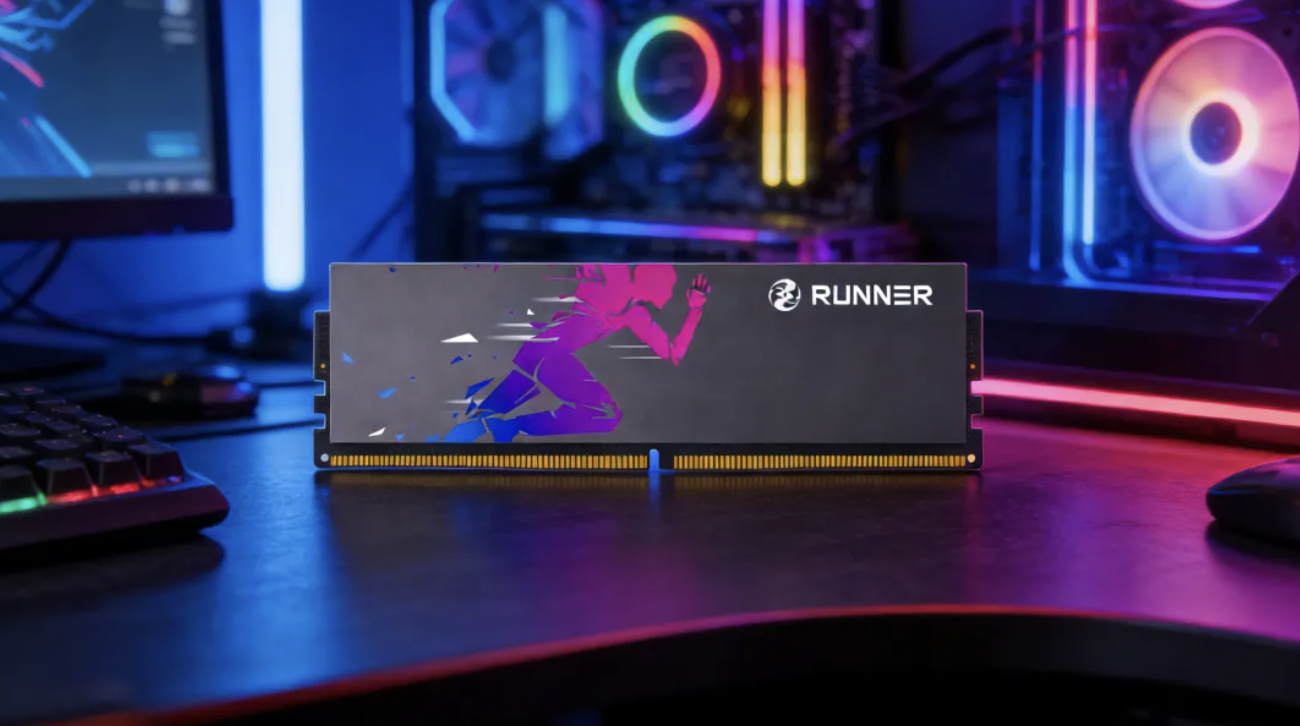
This article breaks down the differences between each variant, helping you pick the right one for your PC.
Quick Overview of the Three Lingyue Speeds
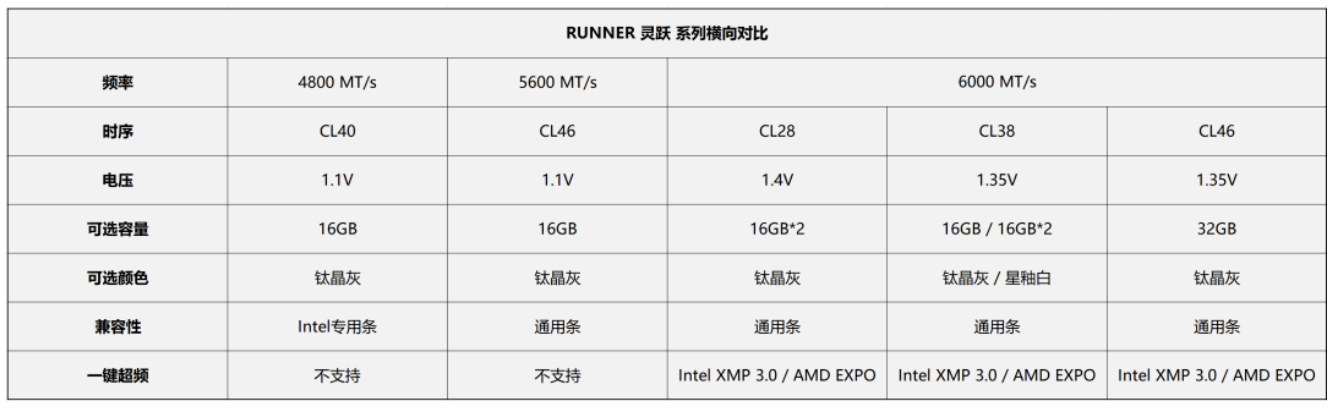
Detailed specifications and recommendations are as follows.
Lingyue DDR5-4800: Intel-Exclusive & Plug-and-Play
Running at the JEDEC standard base speed of 4800 MT/s, this module requires no one-click overclocking in BIOS. It operates at its rated speed immediately after installation.
Key Note: This is an Intel-exclusive module. Optimized for Intel memory controllers, it delivers excellent compatibility on Intel motherboards. It may fail to boot or run unstably on AMD platforms, so AMD users should avoid this model.
- Timing & Voltage: CL40, 1.1V. Compliant with early DDR5 standards, featuring low heat output and broad compatibility.
- Capacity & Color: Only available as 16GB single stick, Titanium Gray.
Ideal Users
- Owners of Intel platforms (12th–14th Gen Core processors)
- Users who prefer no BIOS configuration for XMP/EXPO
- Budget-conscious builders looking to experience DDR5 performance
- For office work, casual gaming and entry-level PC builds
Buying Tip: If you use an Intel platform with moderate performance demands, this is a cost-effective option. 4800 MT/s outperforms DDR5 significantly, plus its plug-and-play design brings great convenience.
Lingyue DDR5-5600: Universal & Plug-and-Play
This model also runs at official JEDEC speed. It hits 5600 MT/s right after installation with no overclocking required.
Compatibility: A universal module fully compatible with both Intel and AMD platforms. It is the most hassle-free choice for AMD users who do not want to enable EXPO.
- Timing & Voltage: CL46, 1.1V. Though the latency number is higher than DDR5-4800 CL40, the increased frequency results in negligible real-world latency difference. The 1.1V low voltage ensures low heat generation and power consumption.
- Capacity & Color: Only available as 16GB single stick, Titanium Gray.
Ideal Users
- Users with Intel or AMD platforms
- Those unwilling to enable XMP/EXPO
- Users seeking a moderate performance upgrade over 4800 MT/s
- For daily office tasks, mainstream gaming and beginner content creation
Buying Tip: If your motherboard and CPU support DDR5 but you do not want to adjust BIOS settings, DDR5-5600 is a better pick than 4800. A small price increase brings faster speed with zero configuration.
Lingyue DDR5-6000: Universal with One-Click Overclocking, The Sweet Spot for Performance
6000 MT/s is widely recognized as the performance sweet spot for DDR5. It supports 1:1 memory bus synchronization on AMD Ryzen 7000/9000 series for minimal latency, and also works perfectly with Intel platforms.
Core Feature: One-click overclocking is supported. Both Intel XMP 3.0 and AMD EXPO profiles are preloaded in the SPD chip. You need to enable the corresponding profile in BIOS to boost the speed from default JEDEC frequencies (4800 or 5600 MT/s) up to 6000 MT/s. It will stay at lower default speeds if overclocking is disabled.
Compatibility: Universal module for both Intel and AMD platforms.
How to Choose Between Sub-Versions
RUNNER offers multiple timing variants for 6000 MT/s, with differences in voltage, capacity and appearance:
- CL28: Lowest latency for top-tier performance; 1.4V voltage. Sold only as 16GB×2 dual-channel kit (32GB total), Titanium Gray. Best for hardcore gamers and overclockers pursuing ultra-low latency.
- CL38: Balanced timing; 1.35V voltage. Available in 16GB single stick and 16GB×2 kit, in Titanium Gray and Star Glaze White. The mainstream all-round option with great value for money.
- CL46: Relatively higher latency; 1.35V voltage. Sold as 32GB single stick, Titanium Gray. Suitable for users prioritizing large capacity over tight timings, such as content creators and virtual machine operators.
Capacity Selection
- 16GB single stick: For budget users or single-stick setups (dual-channel is strongly recommended for better performance).
- 16GB×2 kit: Top mainstream choice for superior dual-channel performance.
- 32GB single stick: Ideal for motherboards with only two DIMM slots; expandable to 64GB by adding a second stick later.
Color Options
Titanium Gray is the standard finish. The CL38 variant additionally comes in Star Glaze White for white-themed PC builds.
Ideal Users
- Gamers chasing optimal gaming performance
- Content creators requiring high memory bandwidth
- Users comfortable enabling XMP/EXPO via simple BIOS setup
- Owners of Intel or AMD platforms
Buying Tips
- Mainstream gamers: Choose CL38 16GB×2 Kit for the best cost performance.
- Enthusiasts & overclockers: Go for CL28 16GB×2 Kit.
- Large capacity needs: Pick CL46 32GB single stick, or two sticks for 64GB total.
Side-by-Side Comparison: Core Differences
Price Range (General): 4800 < 5600 < 6000 (CL46 ≈ CL38 < CL28)
Performance Ranking: 6000 CL28 > 6000 CL38 > 6000 CL46 > 5600 > 4800
Note: The gap between lower-speed, higher-latency modules is subtle in actual gameplay, but obvious in benchmark tests.
3-Step Selection Guide
Step 1: Confirm your platform
- AMD platform: Rule out DDR5-4800 (Intel-exclusive); choose between 5600 or 6000.
- Intel platform: All three speed grades are available.
Step 2: Decide whether to use one-click overclocking
- No BIOS adjustments wanted → Choose 4800 or 5600 (plug-and-play).
- Willing to enable XMP/EXPO → Choose 6000 for better performance.
Step 3: Finalize by capacity and budget
- 16GB sufficient + Intel platform (no tweaks) → DDR5-4800
- 16GB sufficient + Universal use (Intel/AMD) → DDR5-5600
- 32GB for mainstream gaming → DDR5-6000 CL38 (16GB×2 Kit)
- 32GB+ with ultra-low latency → DDR5-6000 CL28 (16GB×2 Kit)
- 32GB large single stick → DDR5-6000 CL46 (32GB Single Stick)
- White-themed build → DDR5-6000 CL38 (Star Glaze White)
No matter which speed grade you choose, please note the following reminders:
Check the maximum supported memory frequency of your motherboard and CPU before purchase. Older motherboards may not run 6000 MT/s at full speed, so it is recommended to refer to the official QVL list.
If you pick the 6000 MT/s model, remember to enable XMP on Intel or EXPO on AMD in BIOS after installation. Otherwise, the memory will only operate at the default lower frequency, and you won't get the performance you paid for.
All Lingyue modules are designed for desktops and not compatible with laptops, which require SO-DIMM form-factor memory.
Every module in the RUNNER Lingyue lineup uses genuine memory chips from Samsung, SK Hynix, Micron and other reputable manufacturers, and has passed rigorous compatibility and stability tests. Choose the right variant, and it will deliver steady and powerful performance for your PC.