“The bigger the RAM, the faster your computer.” This is easily one of the most misunderstood tech myths ever.
Countless PC builders follow this rule blindly: they push for 32GB even on tight budgets, feel their 16GB is lacking when friends use 64GB, and even treat fully populated RAM slots as a symbol of ultimate performance.
The truth: RAM size and speed are NOT directly proportional.
Today, using basic computer principles that have stayed unchanged for decades, we’ll break down this long-held misconception once and for all.

01 The Truth About RAM: It’s a Workbench, Not a Warehouse
The simplest analogy to understand RAM is a desktop workbench.
Your hard drive is the warehouse—all files, programs and games are stored there long-term. RAM is your desktop: when you open software, the system moves it from the warehouse onto the desktop for instant access.
Three key rules apply:
- A larger desk lets you spread out more things at once. 16GB handles dozens of web pages + apps; 32GB doubles that capacity; 64GB is nearly unlimited multitasking.
- A bigger desk does not speed up your work. If your current desk already fits everything you need, expanding it further won’t make tasks faster. A spacious enough desk won’t improve your writing speed.
- Slowdowns only happen when the desk is too small. When you run out of space, the system constantly moves unused data back to the hard drive and reloads it later. This creates massive delays, lag and stuttering.
In short: RAM only needs to be sufficient, not endless.
02 From Insufficient to Enough: A Sharp Performance Drop-off
Performance doesn’t rise smoothly with more RAM—it follows a steep step curve.
- When RAM is too small: The system relies heavily on virtual memory (using your slow storage as temporary RAM). Lag, freezing, crashes follow instantly. Upgrading RAM is critical here.
- When RAM is enough: Adding more brings zero noticeable improvement. Game FPS stays the same; apps launch no faster; system responsiveness doesn’t change.
This is why many users feel no difference upgrading from 16GB to 32GB—their original memory was already more than enough.
Real-world capacity guidelines:
- Light office & daily use: 8GB = minimum; 16GB = comfortable multitasking; 32GB+ = unnecessary overkill.
- Mainstream gaming: 16GB = standard for AAA games; 32GB = future-proof for modded sandbox titles; 64GB = excessive for most players.
- Content creation: 16GB = basic editing; 32GB = essential for 4K & 3D work; 64GB = professional standard for 8K/VFX/virtual machines.
- Workstations & servers: 64GB is the starting point; massive datasets demand extremely high RAM capacity.
03 Why People Confuse “Bigger RAM” with “Faster RAM”
The misunderstanding comes from two common experiences:
- Users upgrading from too little RAM to enough RAM feel a huge boost—and wrongly attribute it purely to size. The speed gain comes from ending reliance on slow virtual memory, not from extra unused capacity.
- People mix up capacity with frequency, timings and dual-channel support. Large capacity doesn’t equal fast memory; high frequency and tight timings do.
Professional software may cache extra data into free RAM for minor efficiency gains, but this advantage is barely noticeable for regular users.
04 What Actually Makes Your PC Faster
When your computer feels slow, focus on these real factors:
- CPU performance (a fully loaded processor bottlenecks everything).
- SSD read/write speed—far more impactful than extra RAM capacity.
- RAM frequency & timings (DDR5 high-speed modules genuinely outperform old slow RAM).
- Dual-channel configuration (doubles bandwidth for smoother gameplay and multitasking).
- System optimization, background apps and driver stability.
05 Buying Guide: Choose the Right RAM Size
- 8GB: Only basic browsing/video viewing; not recommended in 2026 for serious use.
- 16GB: The sweet spot for gaming, office work and casual creation—best value overall.
- 32GB: For heavy multitasking, 4K editing, 3D design, modded games and virtual machines.
- 64GB+: Exclusive to professional workstations, servers and high-end content production.
Quick check: Open Task Manager and monitor committed memory. If it regularly hits your physical RAM limit, upgrade.
06 Conclusion
The golden rule for buying RAM: choose what you need, not what’s biggest.
Save your budget for higher frequency, premium ICs, reliable brands—or invest in a better GPU/CPU. That’s where real performance gains happen.
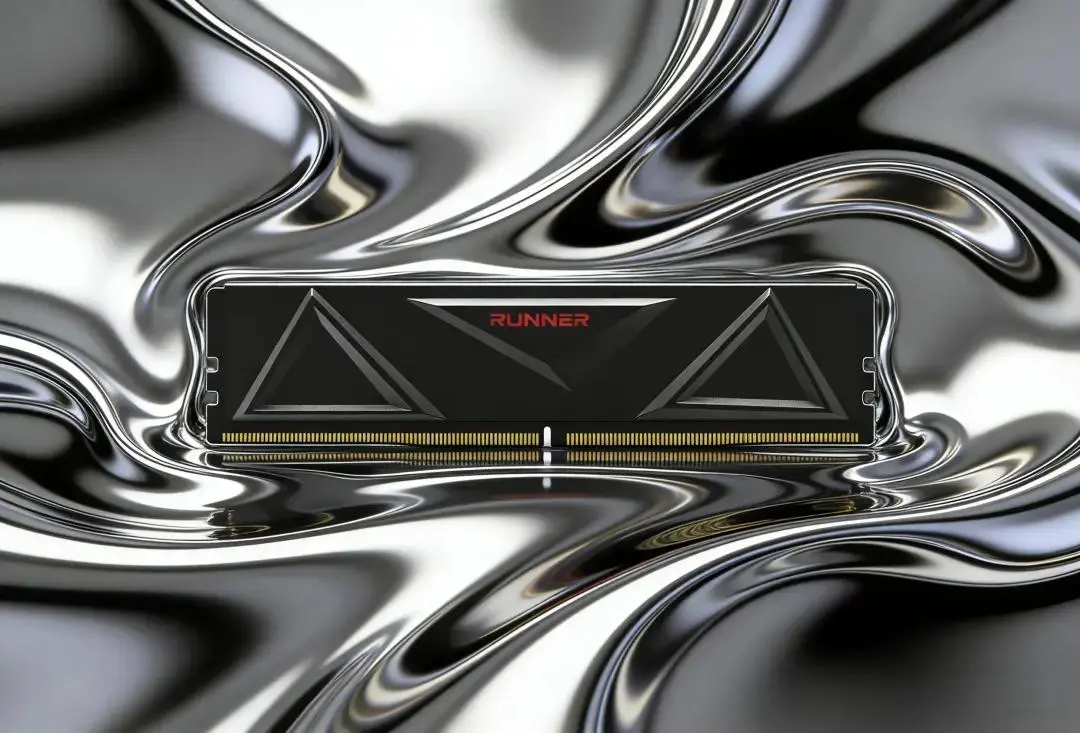
At RUNNER, we follow the principle: sufficient capacity, maximum quality.
Our memory lines feature genuine Samsung, SK Hynix and Micron original chips, tuned for superior frequency, stable timings and full compatibility.
We never make you pay for unused capacity—we deliver solid, dependable performance exactly when you need it.