Nowadays, an increasing number of capable MOD studios are launching their own branded PC cases for sale. They integrate the creativity and design philosophy accumulated from MOD projects into mass-produced chassis, reaping profits while letting their design language reach a wider audience.
The ZEROZONE EOS is exactly such a case. The manufacturer even markets it with the slogan "Built for Enthusiast Retirement" — quite a compelling tagline. But how good is the product in reality? Let’s take a closer look.
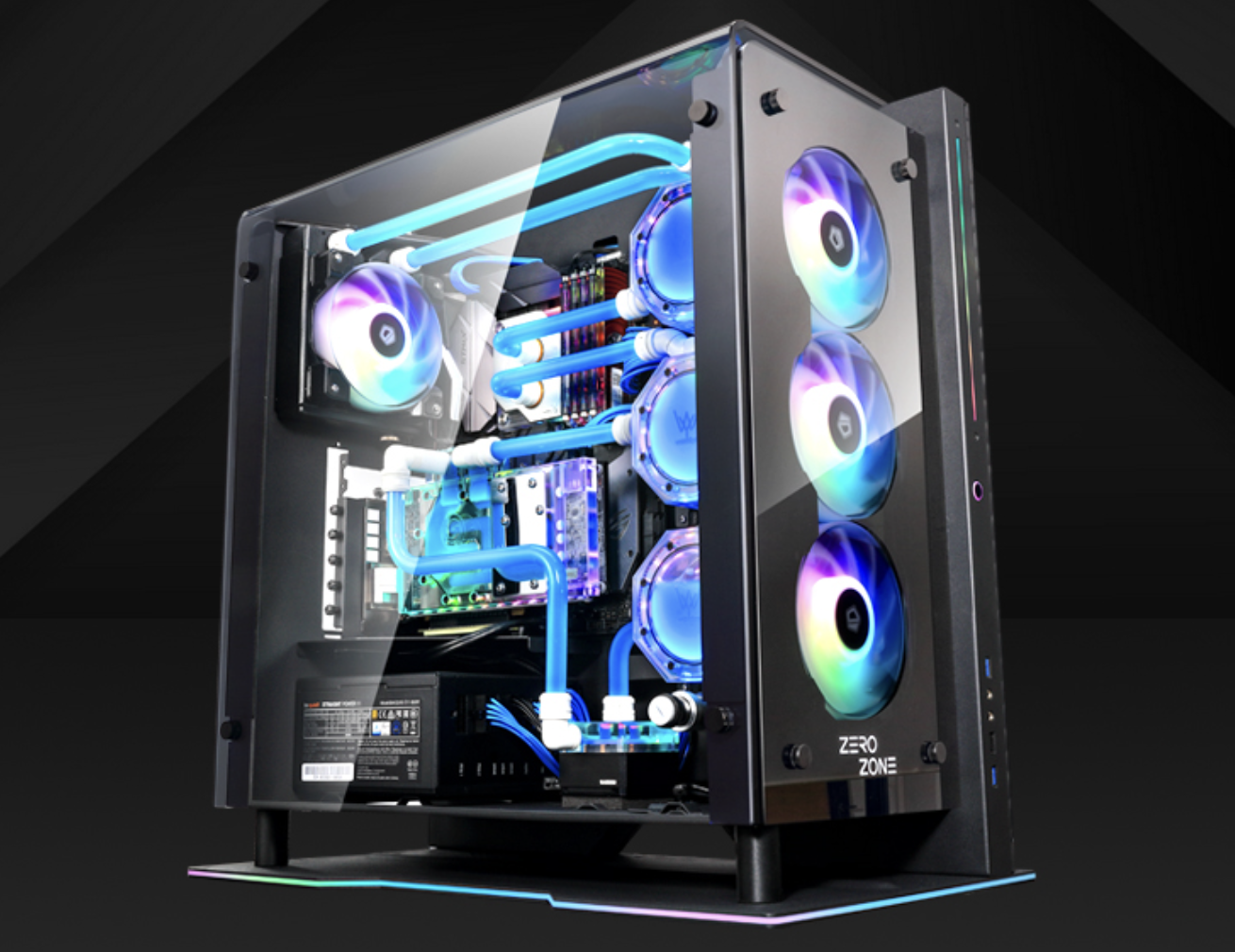
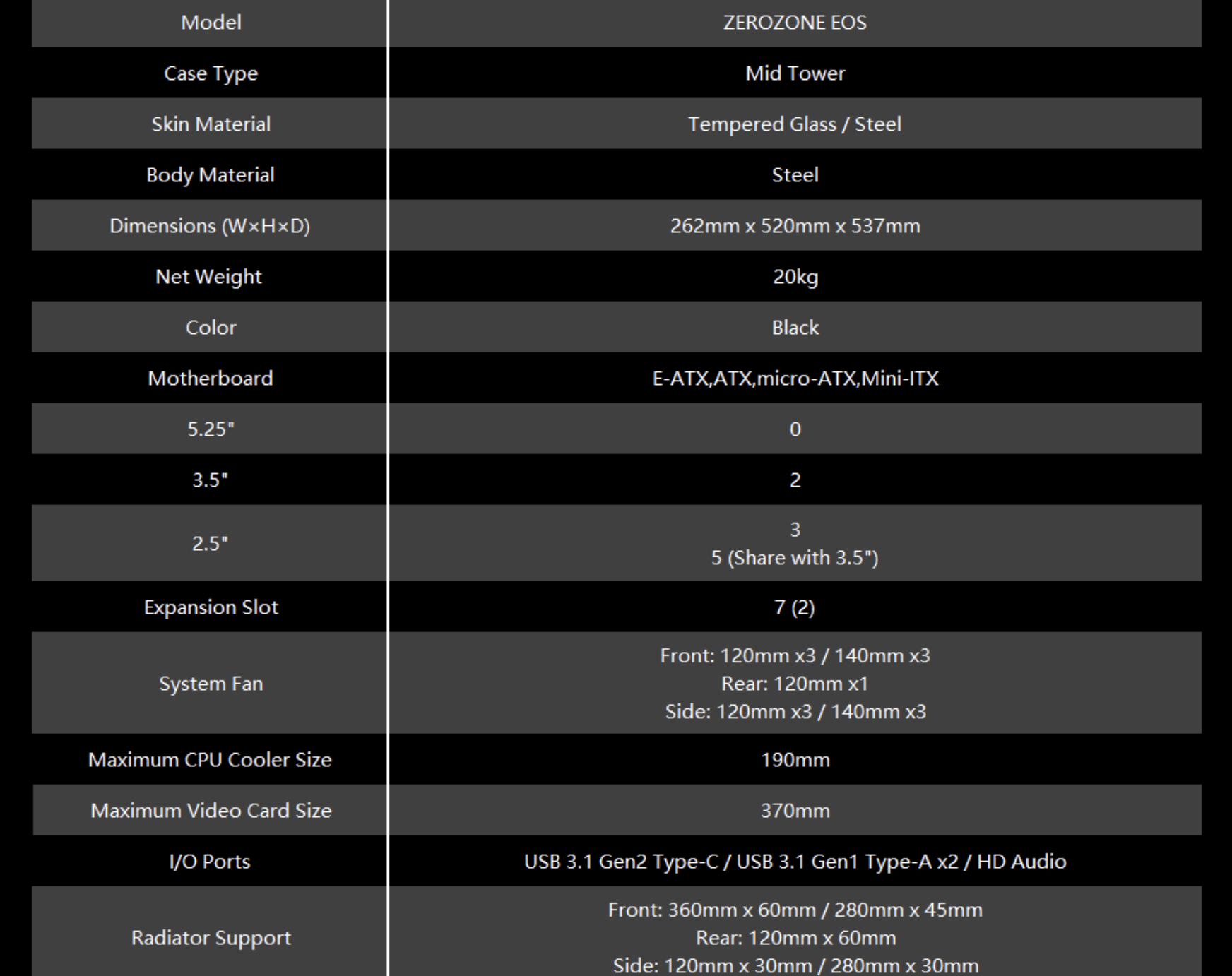
ZEROZONE EOS is a large mid-tower PC case, fully supporting E-ATX motherboards.
Built entirely with steel structure and featuring a tempered glass side panel, it adopts premium materials without cutting corners, tipping the scale at 20kg out of the box — the total weight will be even more impressive once fully assembled.
It offers excellent internal compatibility with generous clearance for CPU coolers and graphics cards. The 2+3 layout of drive bays is more than sufficient for daily use.
Instead of blindly stacking expandability with excessive fan and radiator mounts, the brand pre-configures the layout thoughtfully in line with its design language, making the optimal choices for users in advance.
The ZEROZONE EOS is only available in black. Its main load-bearing steel frame is concentrated on the right side.
The right panel and top panel are formed from one single piece of bent tempered glass. The base plate is also set apart at a certain distance from the hardware installation area. The steel frame presents an inverted L-shaped outline visually, making this a rather distinctive design.
Let’s start with the front panel, which is also fully covered with tempered glass.
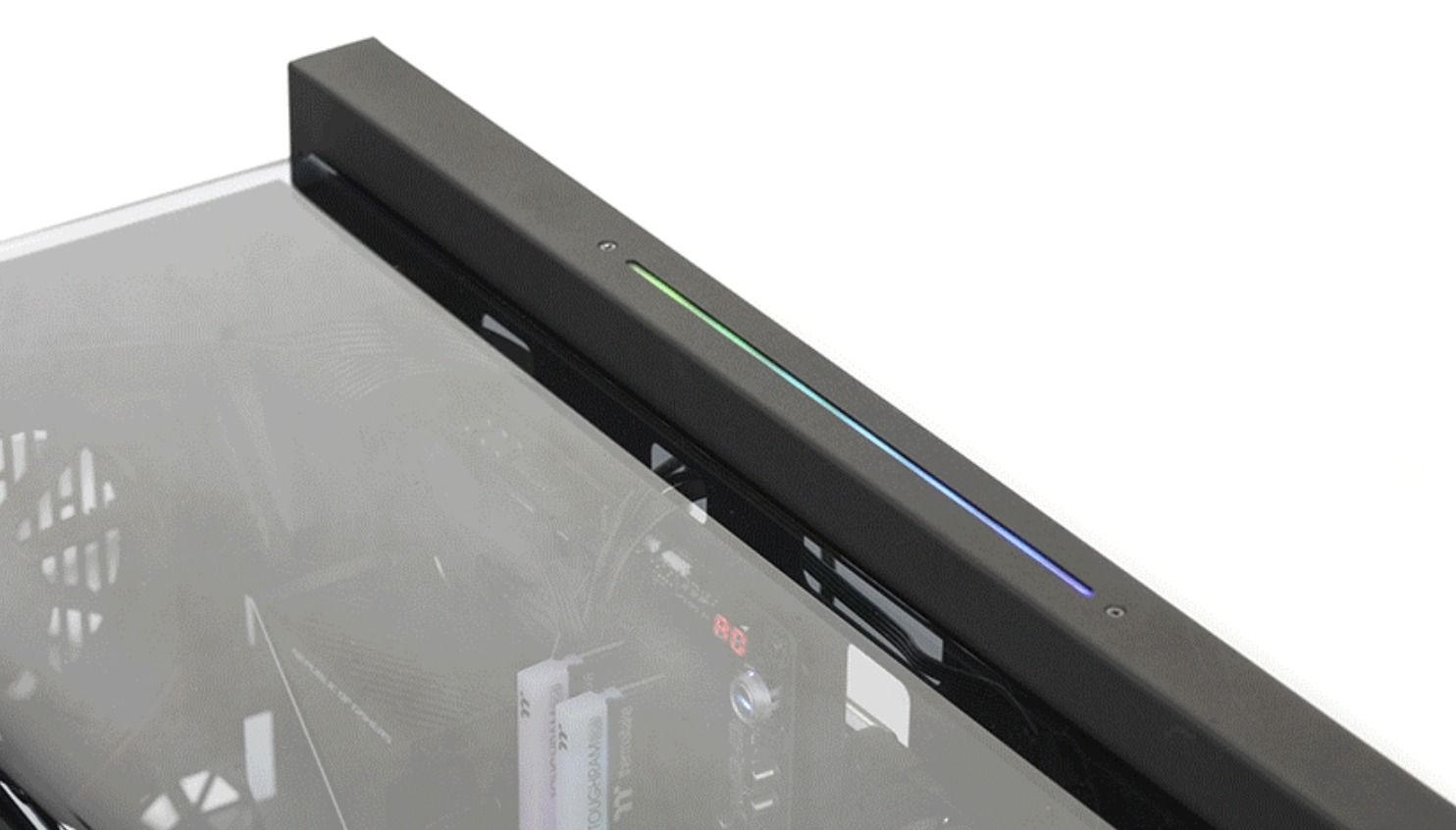
On the right steel frame, a long light strip is embedded in the upper section with a soft-glow finish. Below the light strip sits the power button, also fitted with RGB lighting. Further down is the I/O area, arranged from top to bottom: one USB 3.1 Gen1 Type‑A port, HD Audio, USB 2.0, and another USB 3.1 Gen1 Type‑A port. It would have been better if the USB 2.0 had been replaced with a USB 3.1 Gen2 Type‑C port.
Viewed from the left side, the case boasts ample internal space. With no steel obstruction on the top, the interior is clearly visible.
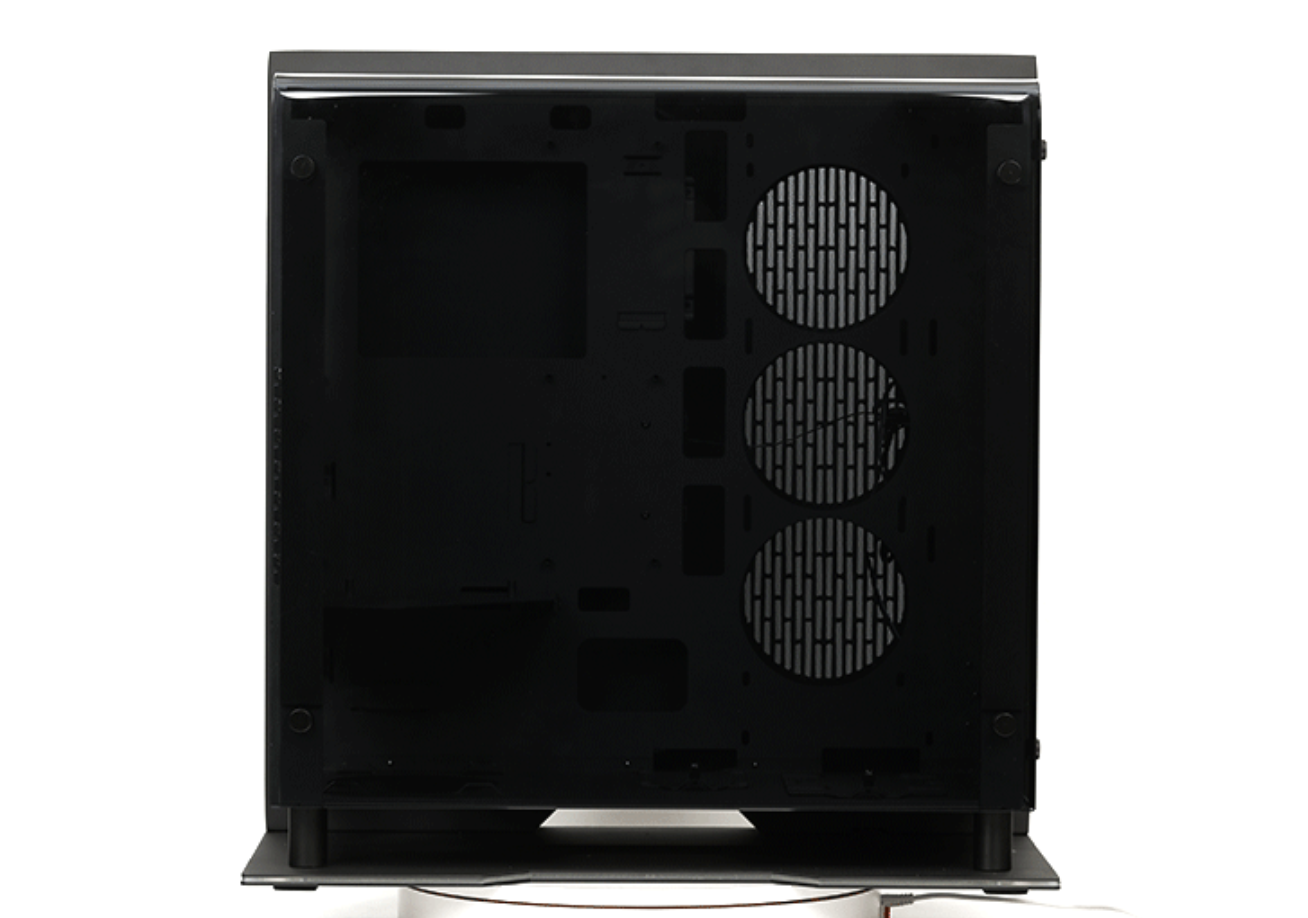
The cutouts behind the motherboard are generously sized. There are three cable routing holes on the top: the front two are identical in size, making it awkward to pass bulkier connectors through; the one closer to the front is wider.
Four large routing holes are reserved for motherboard power wiring, allowing neat cable management with ease.
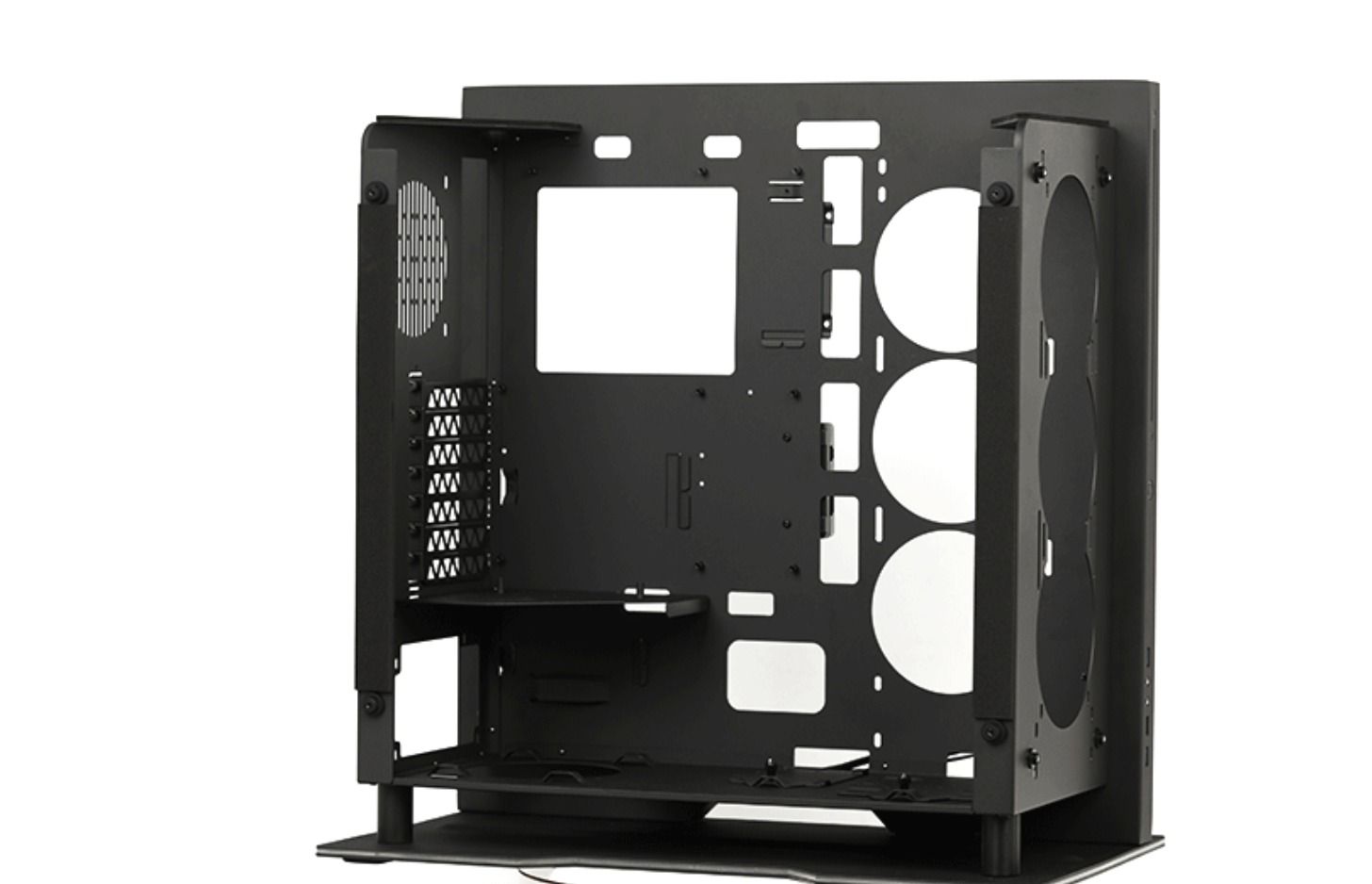
Three openings sit at the bottom, among which the one near the power supply compartment is the largest.
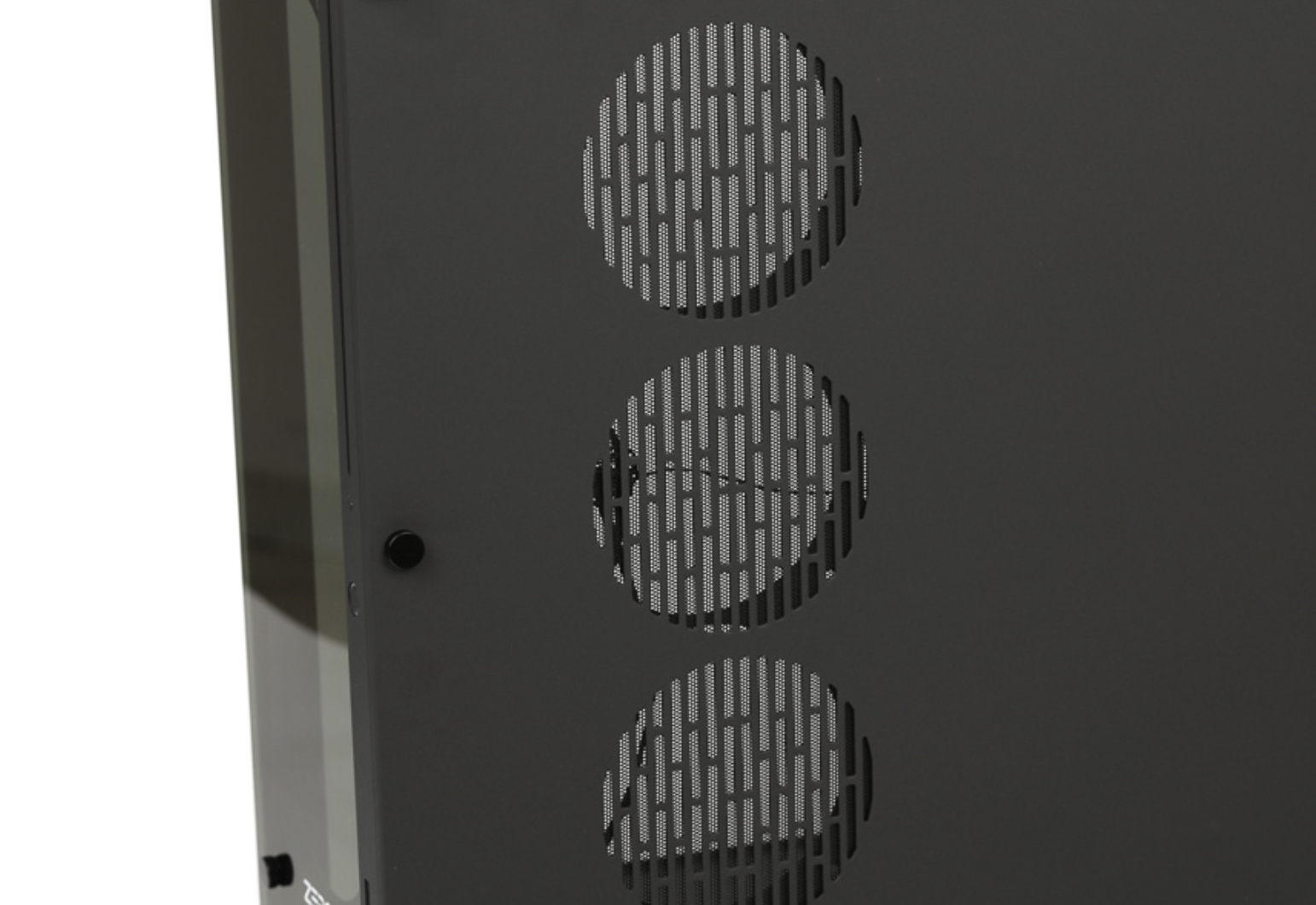
On the front section of the side frame, there are three mounting positions compatible with 120mm / 140mm fans.
The radiator is mounted at the front with inward air intake.
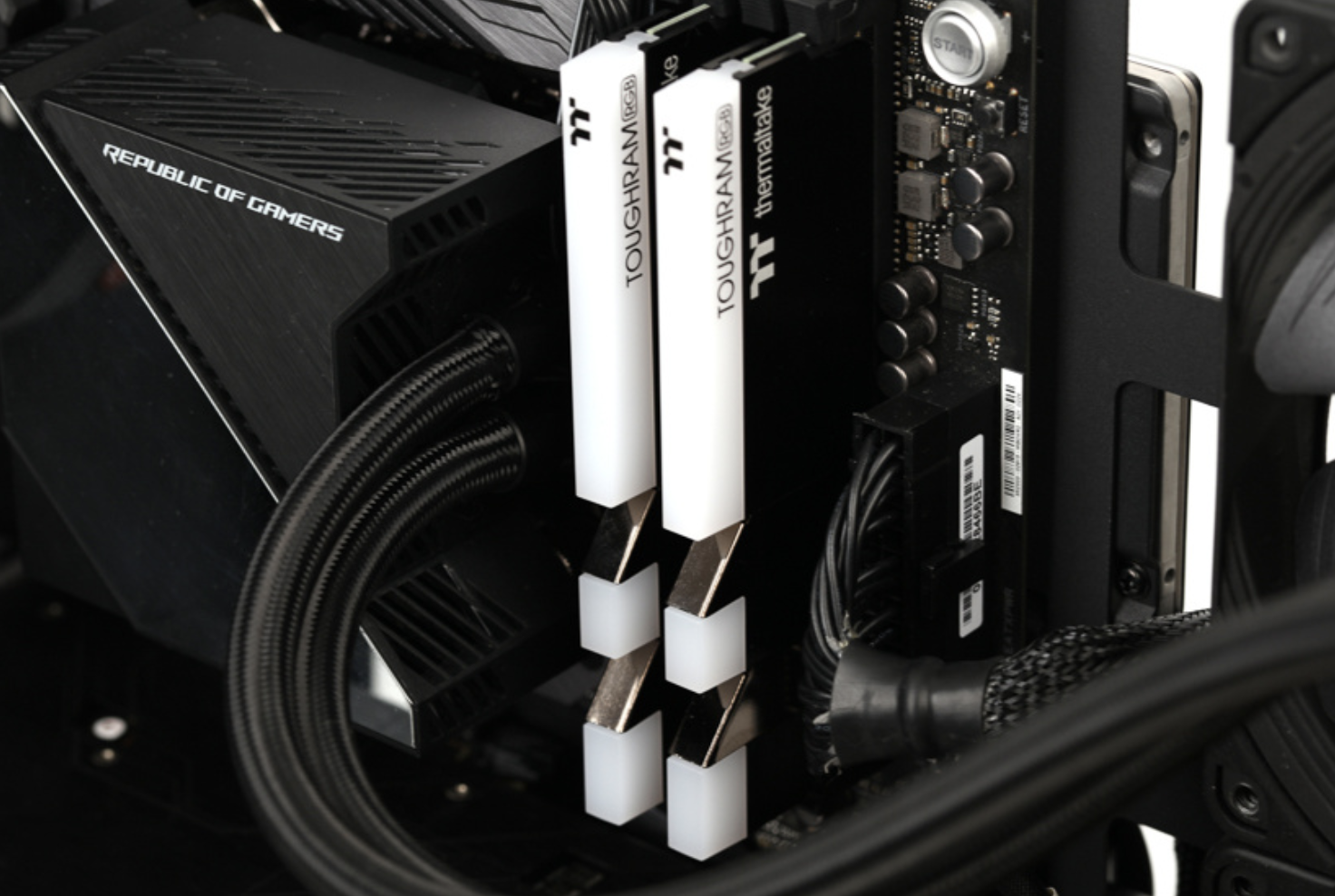
For memory, we use Thermaltake Toughram RGB DDR4 3600MHz 8GB × 2.
Officially the case supports a maximum GPU length of 370mm. However, when installing a graphics card directly without side fans, there is slight spatial interference with the side fan mounting area. Once side fans are fitted, the effective GPU length limit drops to around 310mm—right at the threshold for flagship graphics cards, which may cause minor compatibility issues.
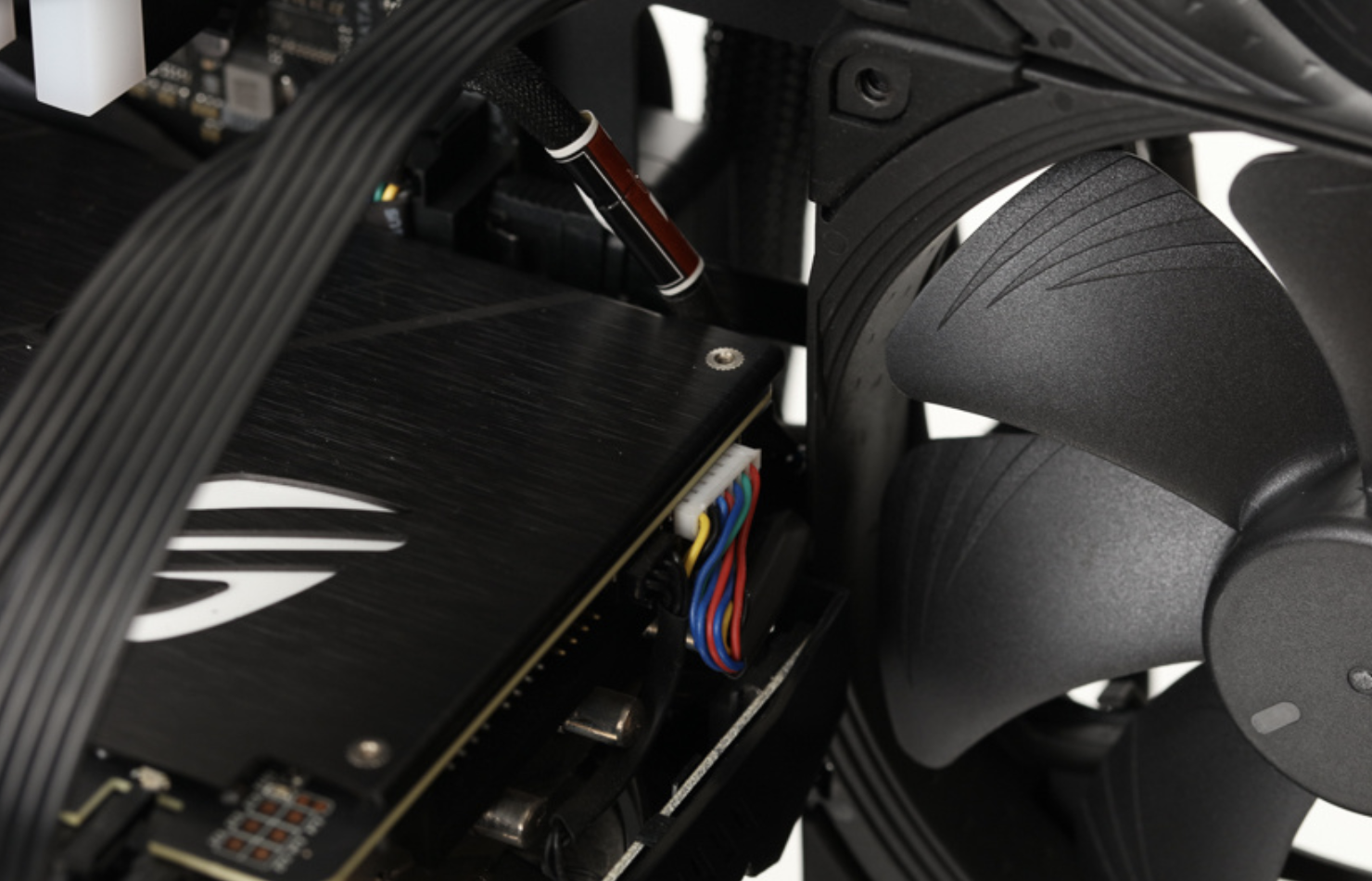
Three Noctua NF-A14 PWM chromax.black.swap fans are installed on each side of the case for exhaust airflow.
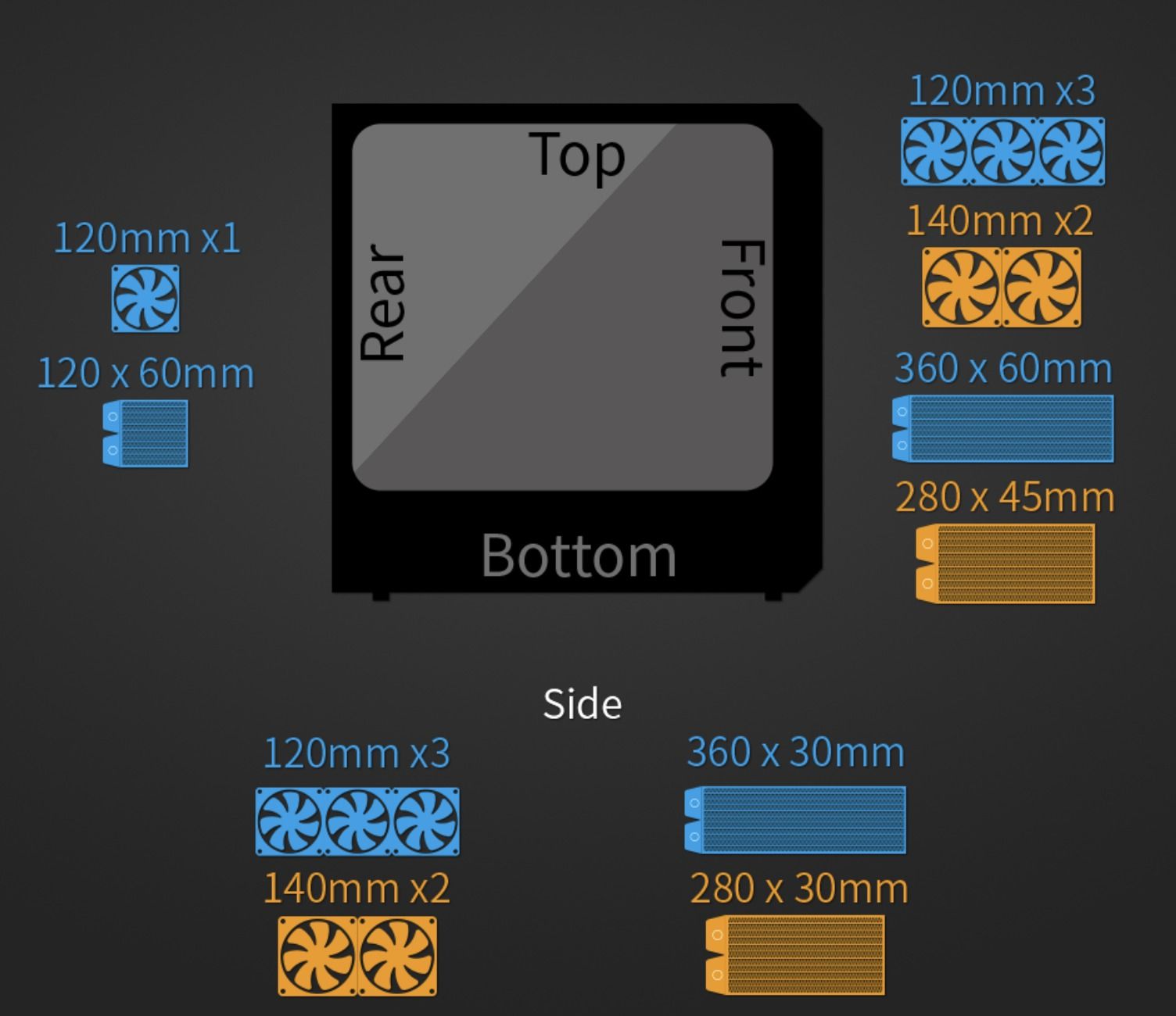
After actual testing, the recommended installation specifications from the CHH Lab are as follows:
Front: 3×120mm / 3×140mm fans; compatible with 360mm / 280mm radiators
Rear: 1×120mm fan; compatible with 120mm radiator
Side: 3×120mm / 3×140mm fans; compatible with 360mm / 280mm radiators
Hardware used for compatibility testing:
- Alphacool NexXxoS UT60 Full Copper 360mm Radiator
- Alphacool NexXxoS UT60 Full Copper 120mm Radiator
- Alphacool NexXxoS XT45 Full Copper 280mm Radiator
- Alphacool NexXxoS ST30 Full Copper 360mm Radiator
Note: The lab’s maximum thickness limit is 60mm for 120mm-class radiators and 45mm for 140mm-class radiators.
- ROG MAXIMUS XI HERO (WI-FI)
- ROG STRIX GeForce RTX 2080Ti O11G
- Thermaltake Toughram RGB DDR4 3600MHz 8GB × 2
- Noctua NF-F12 industrialPPC-2000 PWM
- Noctua NF-A14 PWM CHROMAX
The data shown below is based on real-world testing and reasonable inference, and may differ from official specifications due to varying measurement methods and product batches — for reference only.
Supported radiators are tested under standard single-sided installation, with maximum size while allowing 25mm-thick fans to be mounted on one side.
Sandwich fan setups and multiple stacked radiators are not included in this scope; additional compatibility details will be covered later in the review.
Overall, the ZEROZONE EOS offers well-designed fan positions and solid radiator compatibility.
Load Test
CPU: Intel Core i9-9900K
GPU: ROG STRIX GeForce RTX 2080Ti O11G
Motherboard: ROG MAXIMUS XI HERO (WI-FI)
Memory: Thermaltake Toughram RGB DDR4 3600MHz 8GB × 2
SSD: Intel SSD 520 Series 240GB
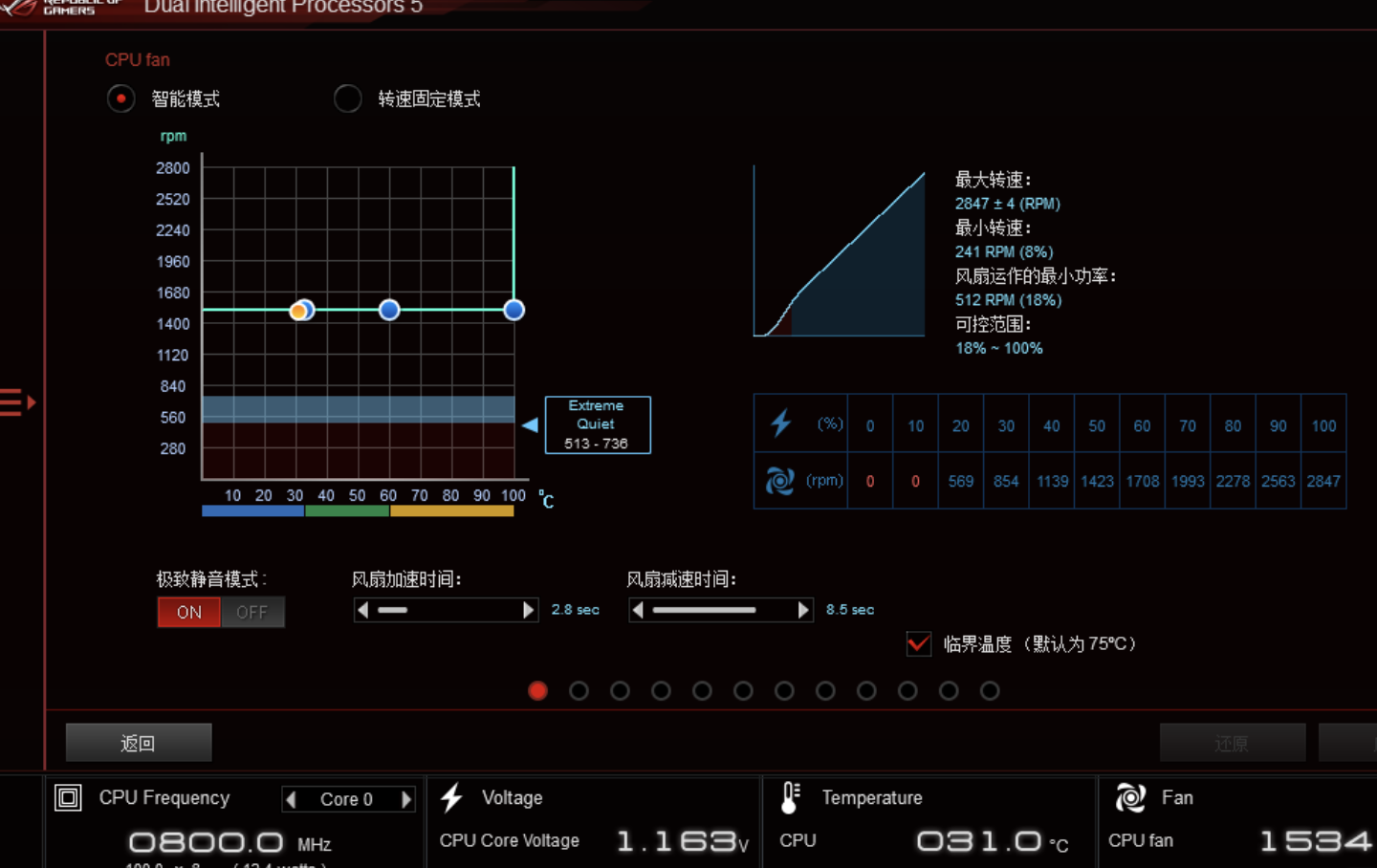
Cooling: ROG RYUJIN 360 + Noctua NF-A12x25 × 3
PSU: Seasonic PRIME GX-850
Case Fans:
Noctua NF-A14 PWM chromax.black.swap × 3
Noctua NF-F12 industrialPPC-2000 PWM × 1
Driver: NVIDIA Display Driver v441.87
System: Windows 10 Version 1909 64-bit
Testing Software:
- CPU-Z 1.91.0
- AIDA64 v6.00.4600
- GPU-Z 2.29.0
- Furmark 1.21.0.0
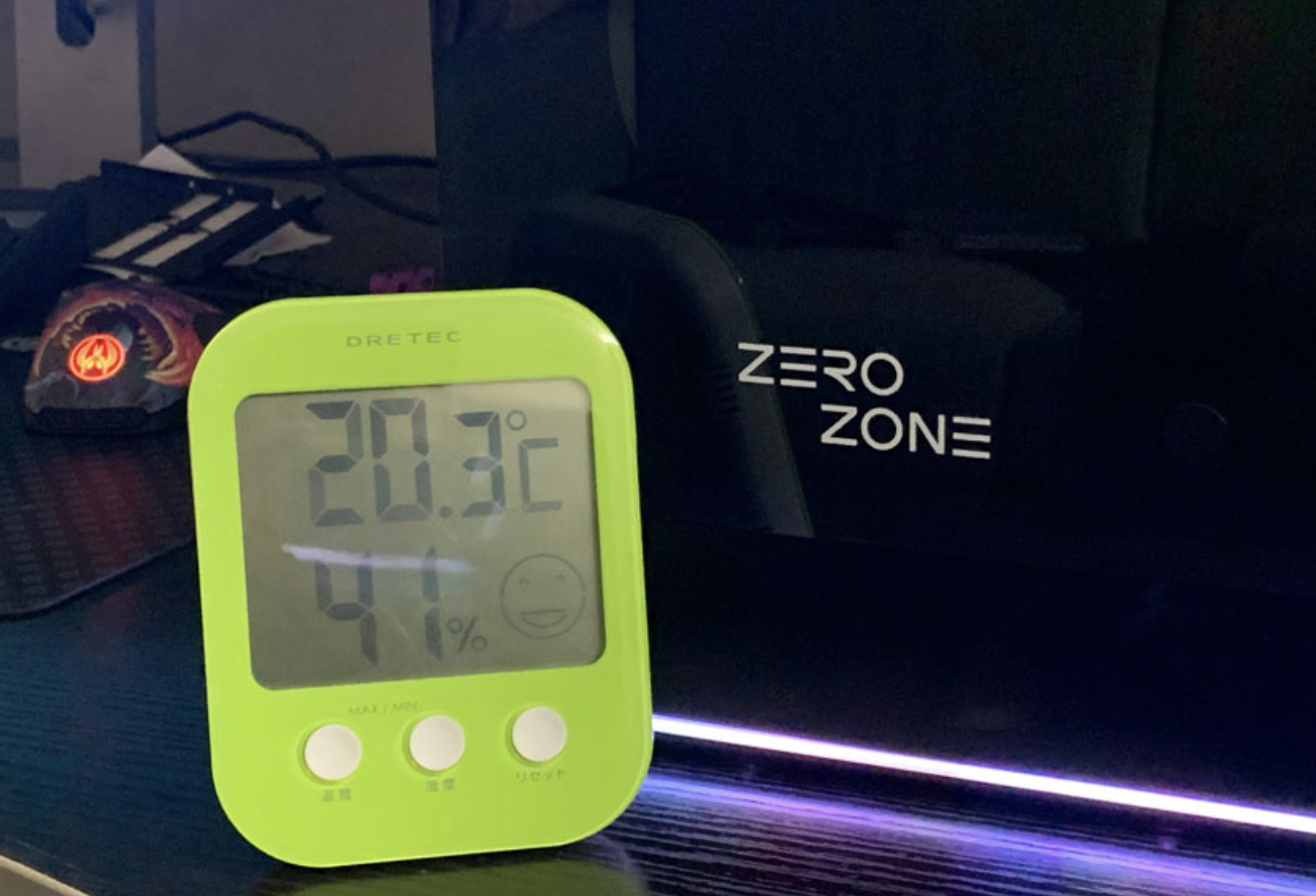
Test Environment: Ambient temperature 20±1℃
Each test runs for 15 minutes with the side panel closed.
Conclusion
Overall, the ZEROZONE EOS is a well-rounded PC case with an outstanding aesthetic design.
It adopts thickened steel and tempered glass materials throughout. The 90° bent tempered glass is rarely seen among mainstream cases. Boasting solid compatibility and expandability, combined with the brand’s accumulated experience from PC modding, the case features a highly eye-catching design.
Meticulous attention to small details also brings great assembly pleasure for DIY enthusiasts.